DeathCounter Plugin (1.19.1, 1.18.2) – Bukkit, Spigot, Paper

 0
0  August 28, 2022
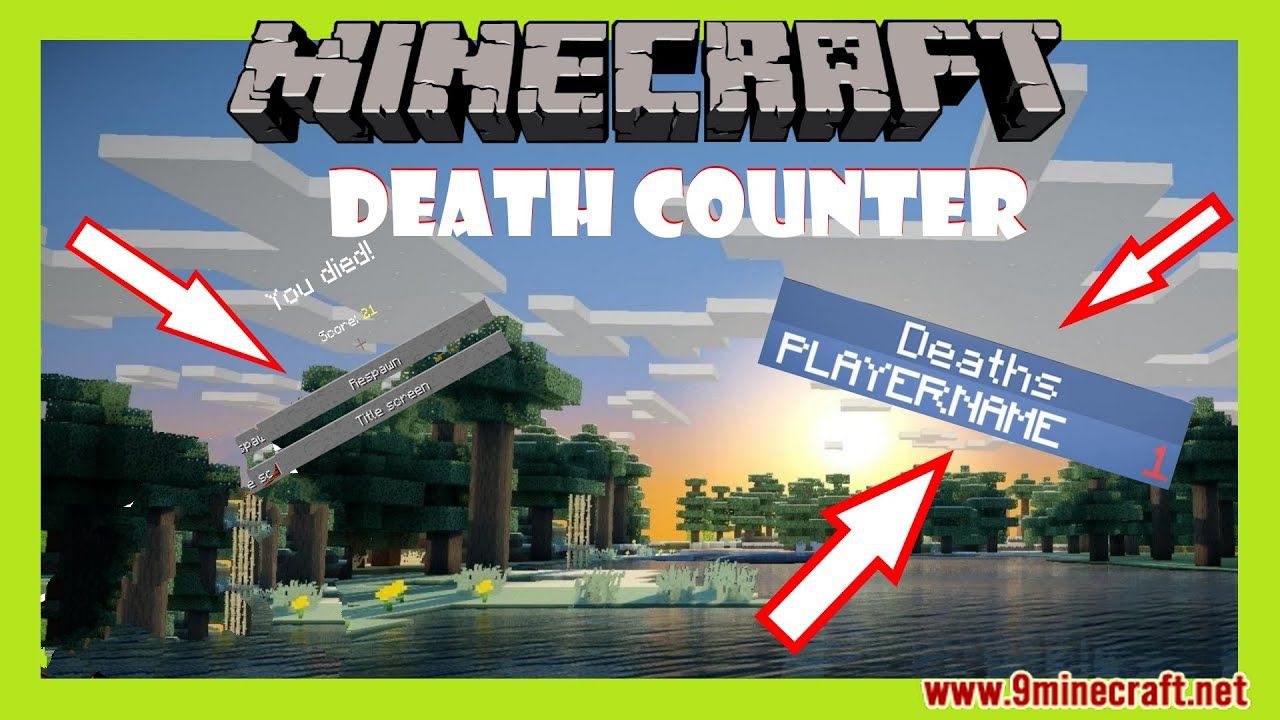
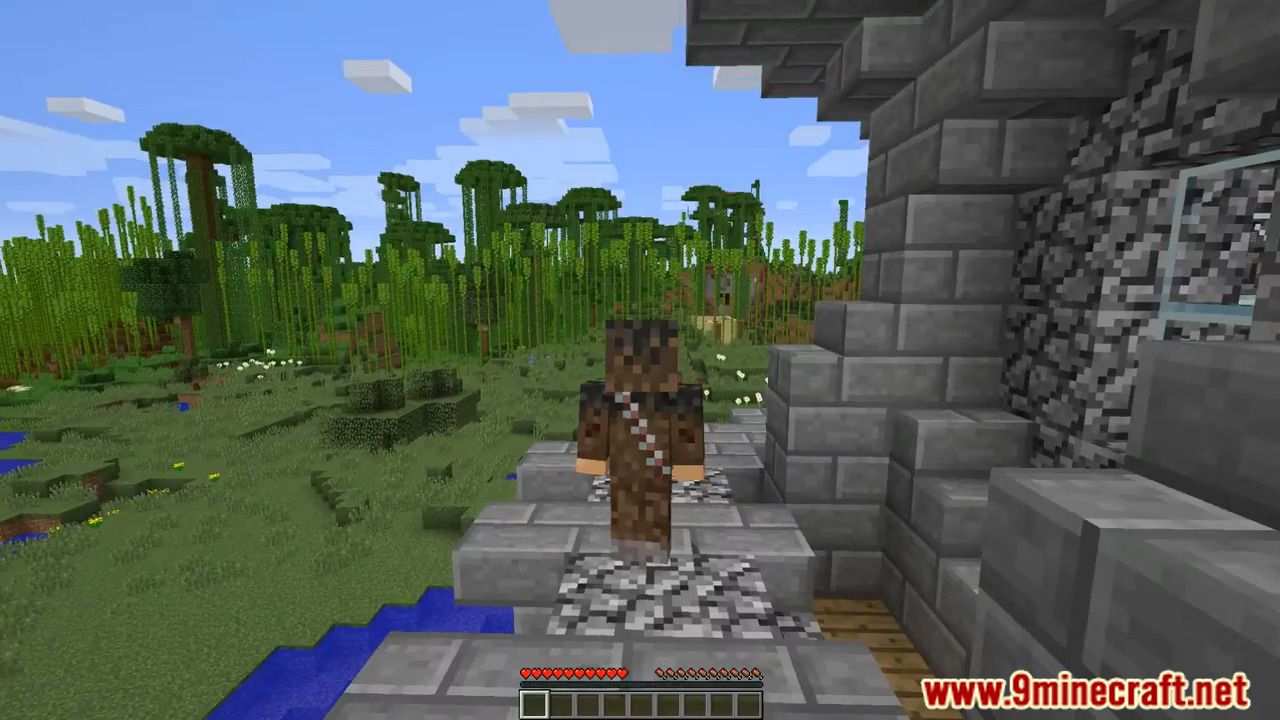
DeathCounter Plugin is a plugin that counts player deaths. Can show your own, a specific player, or even the whole server amount of deaths. Can see the number of deaths a person has with commands and right under their own name. Even shows the number of near deaths a player had (using a totem of undying).
Commands
- /deathcounter help: shows all the commands for deathcounter.
- /deathcounter me: Displays your total deaths and near deaths.
- /deathcounter get : Displays that player’s total deaths and near deaths.
- /deathcounter list: Displays 7 players per page and all of their deaths and near deaths.
- /deathcounter clear : Clears said players total deaths and near deaths
- /deathcounter clear all: Clears all player total deaths and near deaths on the server.
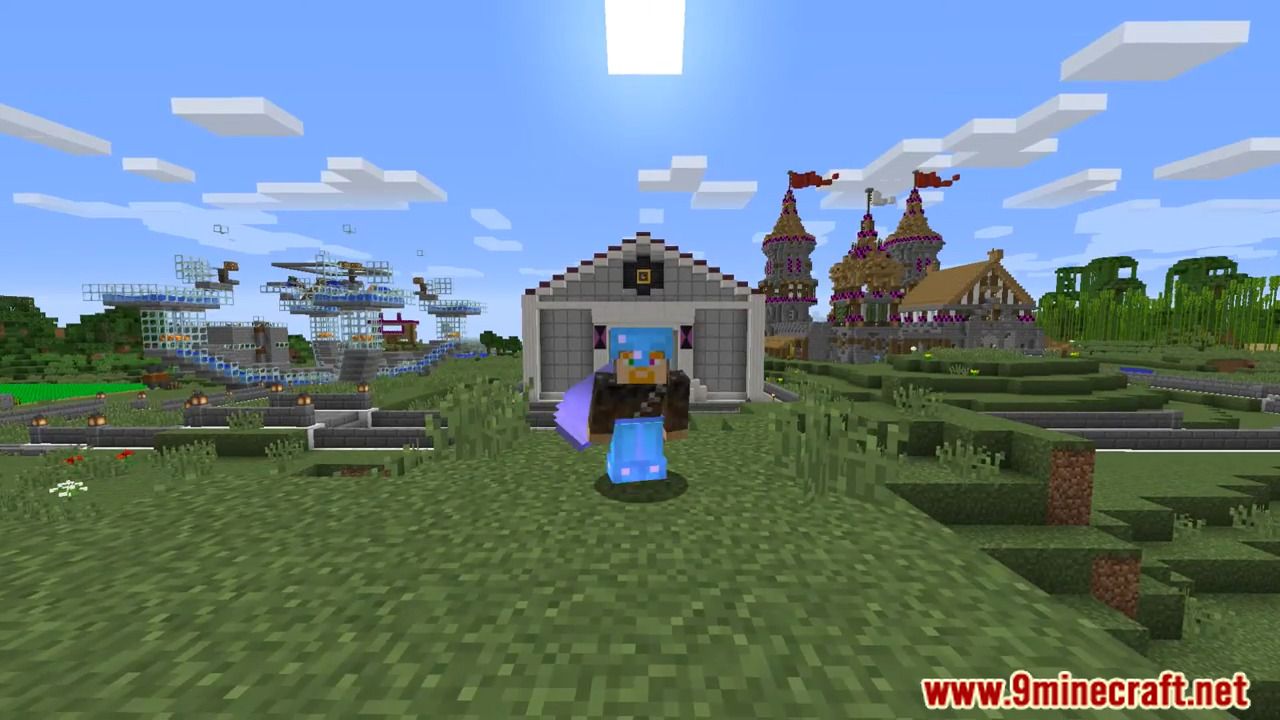
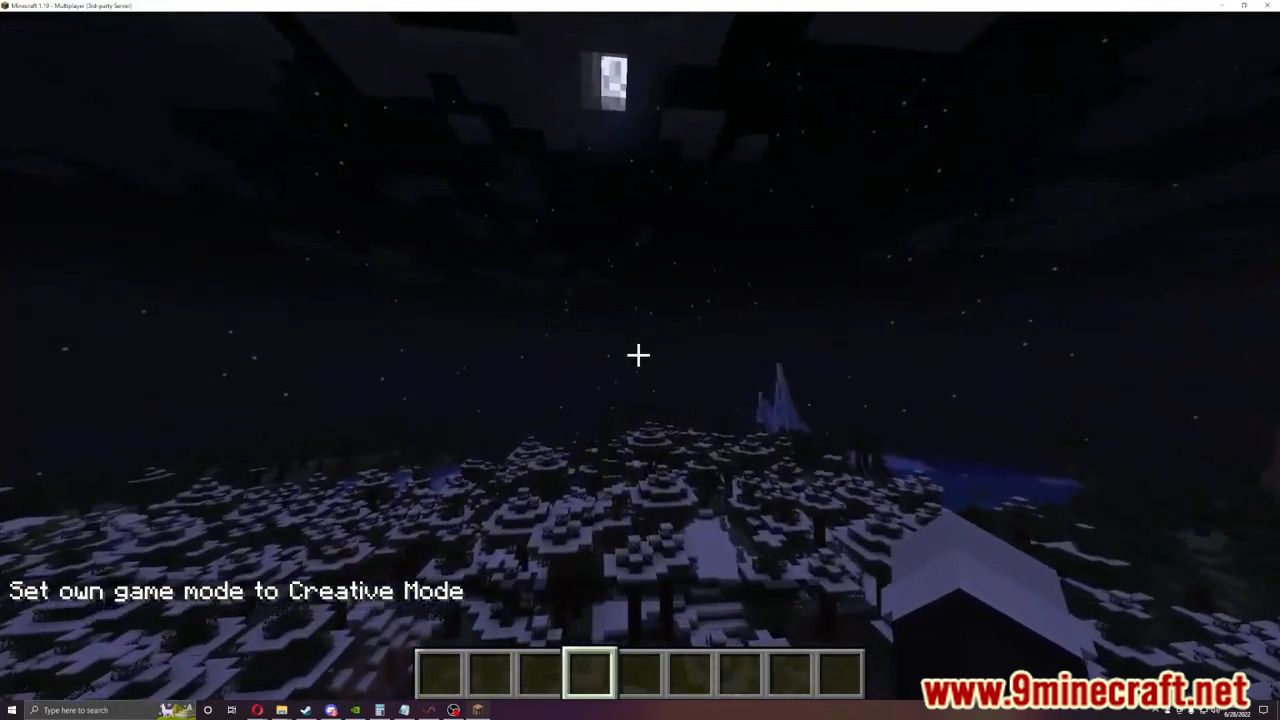
Screenshots:

How to install:
- Download a plugin of your choice.
- Place the .jar and any other files in your plugins directory.
- Run the server and wait for it to fully load.
- Type stop in your Minecraft server console to bring the server to a clean stop.
- Run the server.
- All done! Your plugin should be installed and ready to be used.
DeathCounter Plugin Download Links
For All Versions from Minecraft Bukkit 1.13 to Minecraft Bukkit 1.19.1
Click to rate this post!
[Total: 0 Average: 0]
You May Also Like