Litematica Printer Easyplace Extension Mod (1.21.1, 1.20.1) – Redstone-Aware Fast Block Auto Placement

 0
0  September 11, 2024
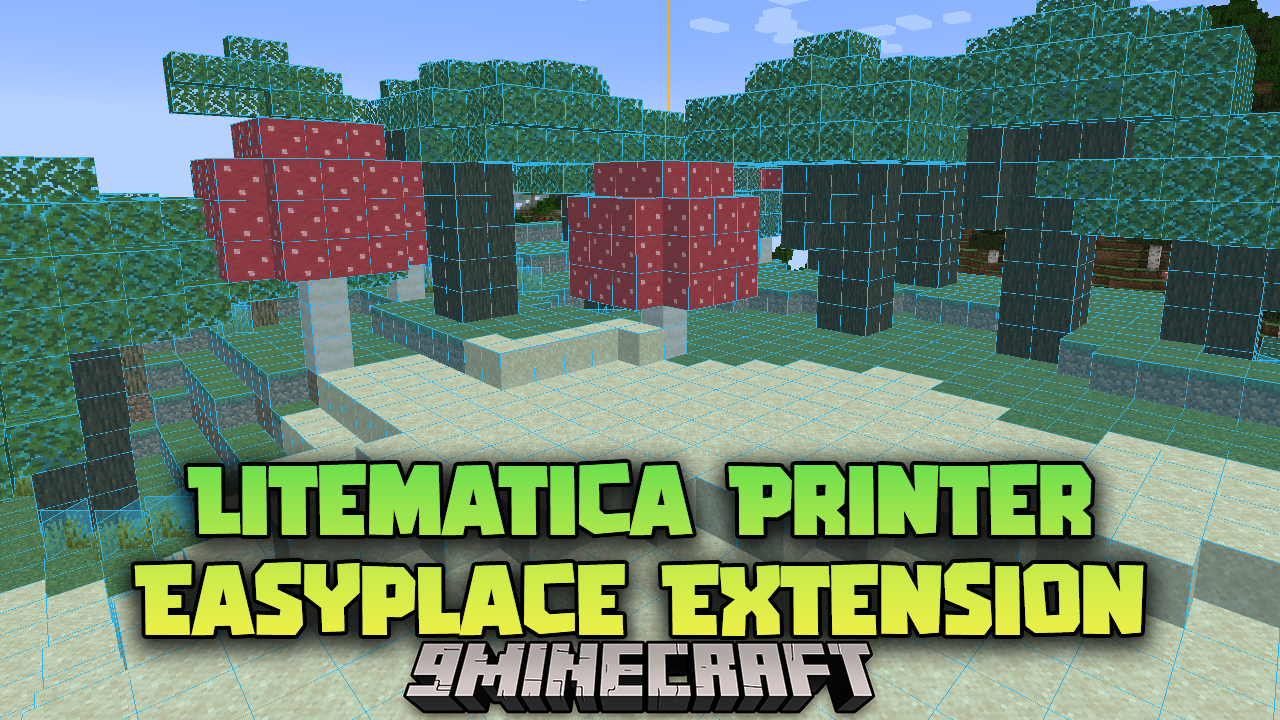
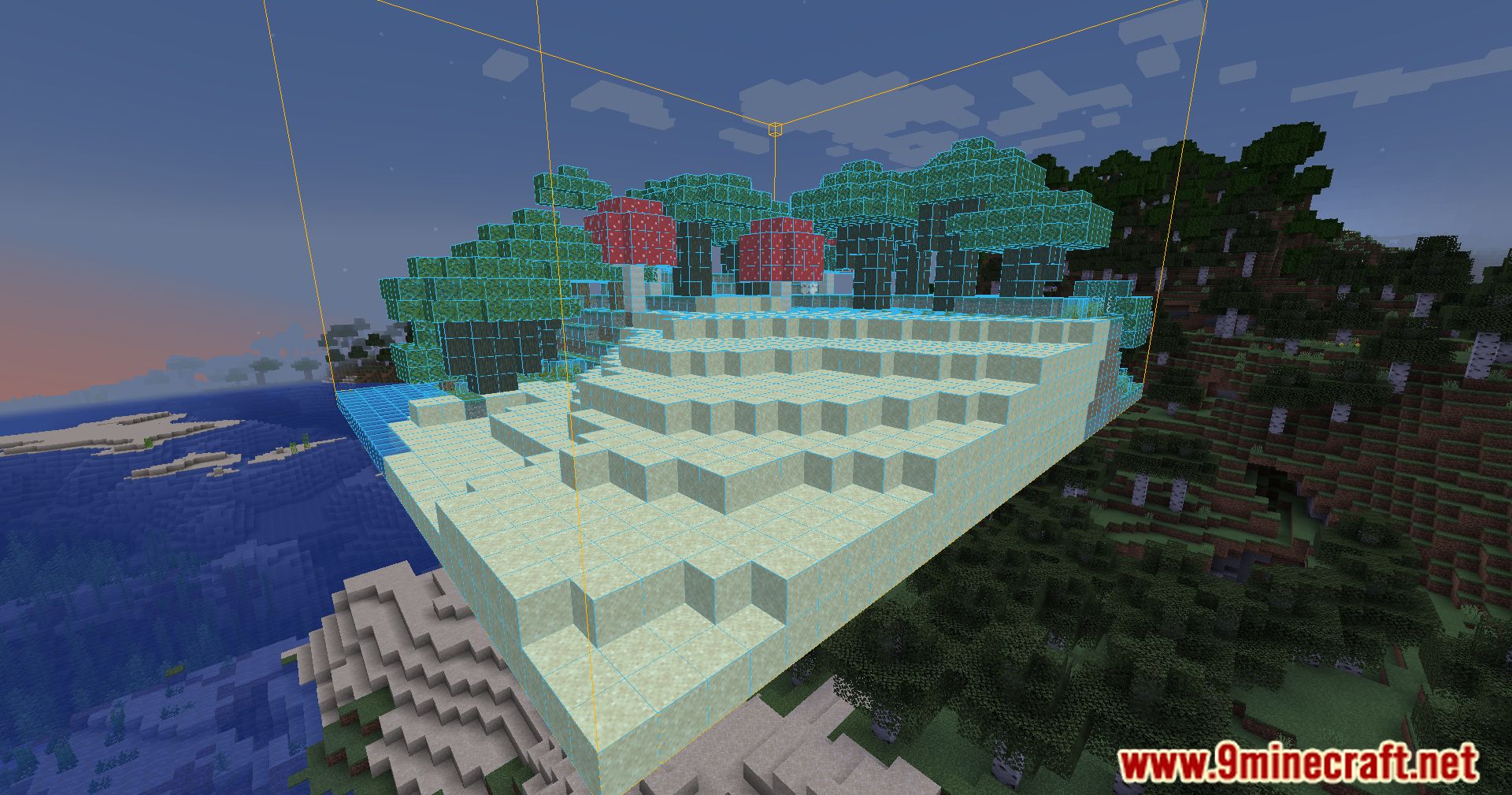
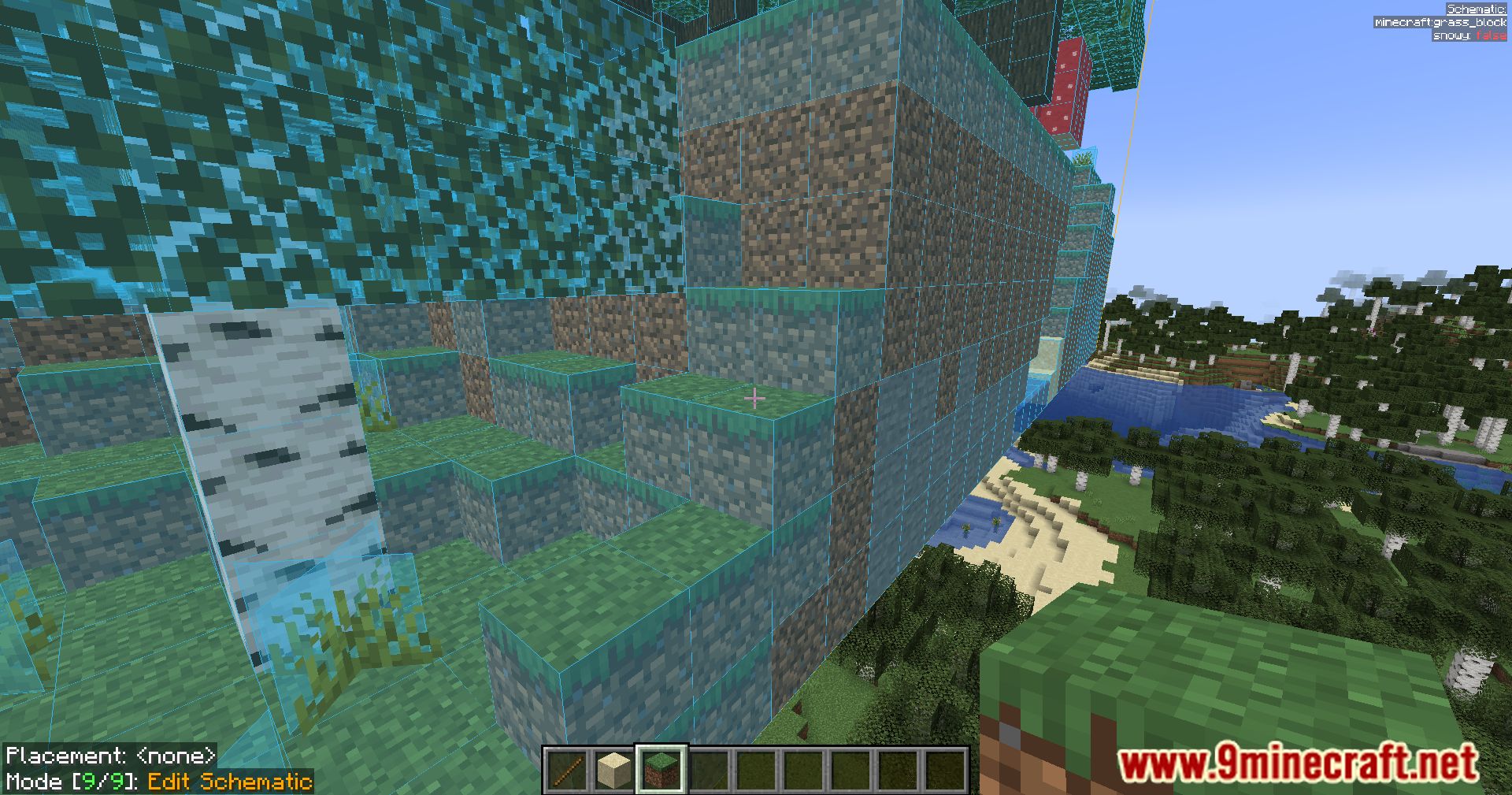
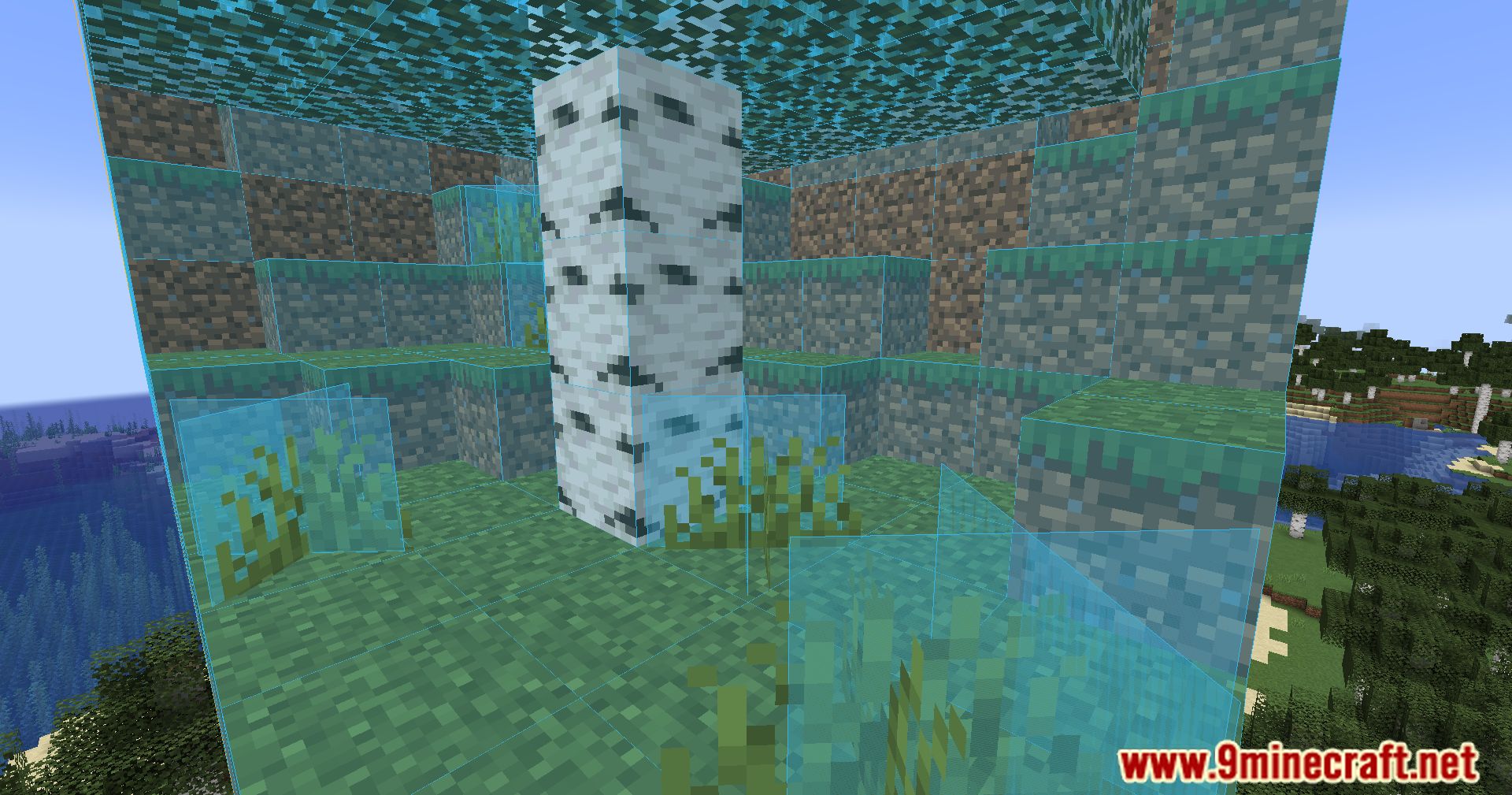
Litematica Printer Easyplace Extension Mod (1.21.1, 1.20.1) provides a redstone-aware fast block auto placement system built on top of Litematica’s EasyPlace. It supports directional blocks, accurate placement protocols and various automation utilities for technical builds.
Features:
How It Works
- Supports directional block placement on vanilla servers using Fake Rotation.
- Can use accurateBlockPlacement with carpet-extra on the server for faster and more reliable placement.
- If Carpet Extra (or its fork) is present, uses accurate protocols when available; without protocol, it still aims to place blocks correctly.
- Tries to avoid failures related to:
- Update order
- Observers / BUD mechanics
- Pistons and block states
- Falling blocks and similar edge cases
- Handles blocks with multiple states such as composters, snow layers, sea pickles, etc.
- Provides utilities for removing fluids, clearing areas and bedrock breaking (not guaranteed).
Bedrock Breaking Notes
- Bedrock breaking behavior is highly dependent on your ping.
- Set the printer delay higher than your ping. For example:
- If your ping is 200 ms, set delay above 0.2.
- In singleplayer, ping is effectively 0, so any value works.
Caution and Server Compatibility
- Paper, Spigot and similar server types may use anti-cheat that blocks “not-looking” placements.
- On such servers, printing may be partially or completely unusable.
- There are options to slow/nerf printing, but functionality is not guaranteed.
- Use the printer only if you understand and accept the risks and limitations on your target server.
Settings Overview
Litematica Additions
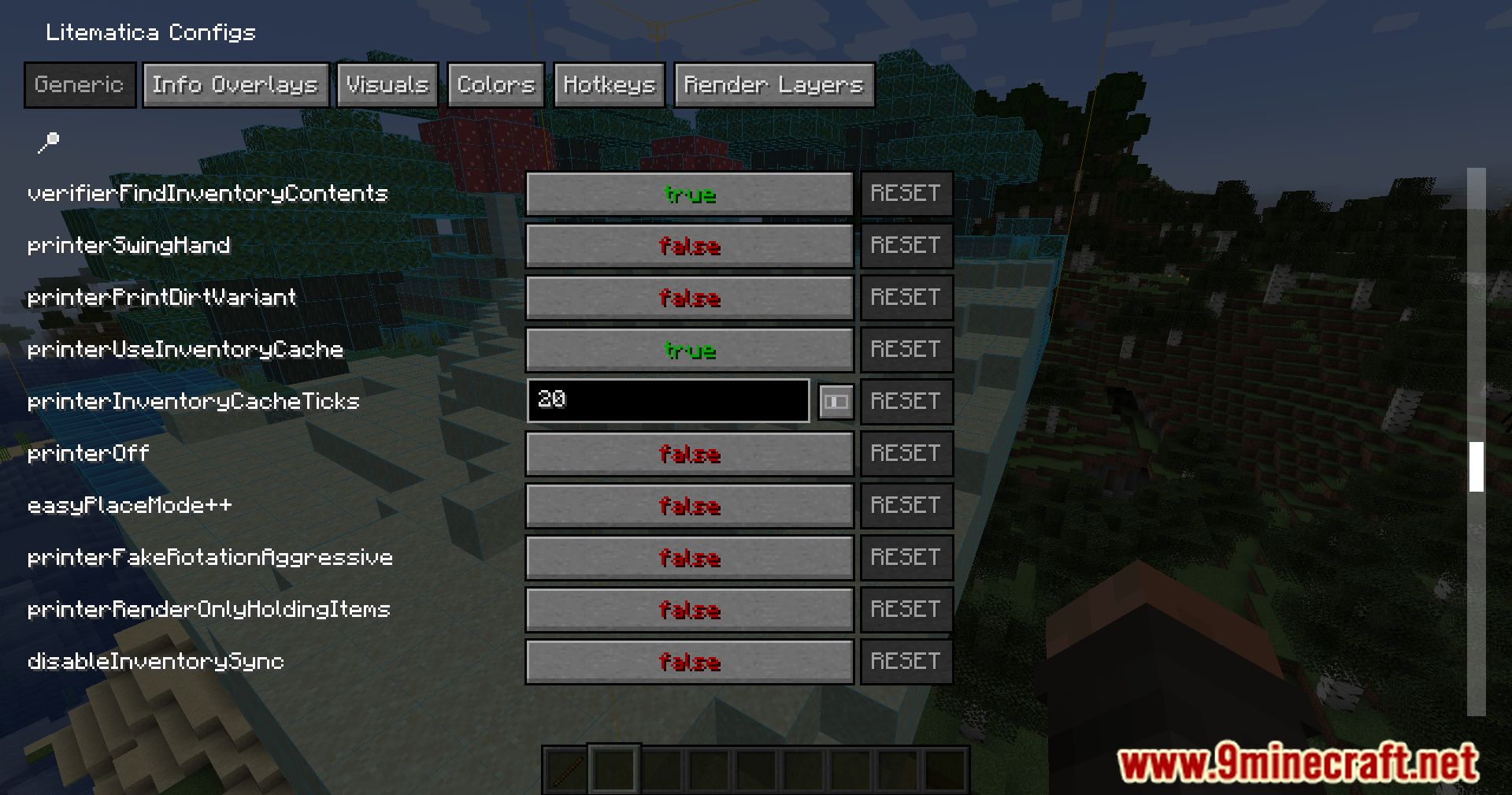
- easyPlaceMode++ – Disables the printer but uses Fake Rotation–based EasyPlace.
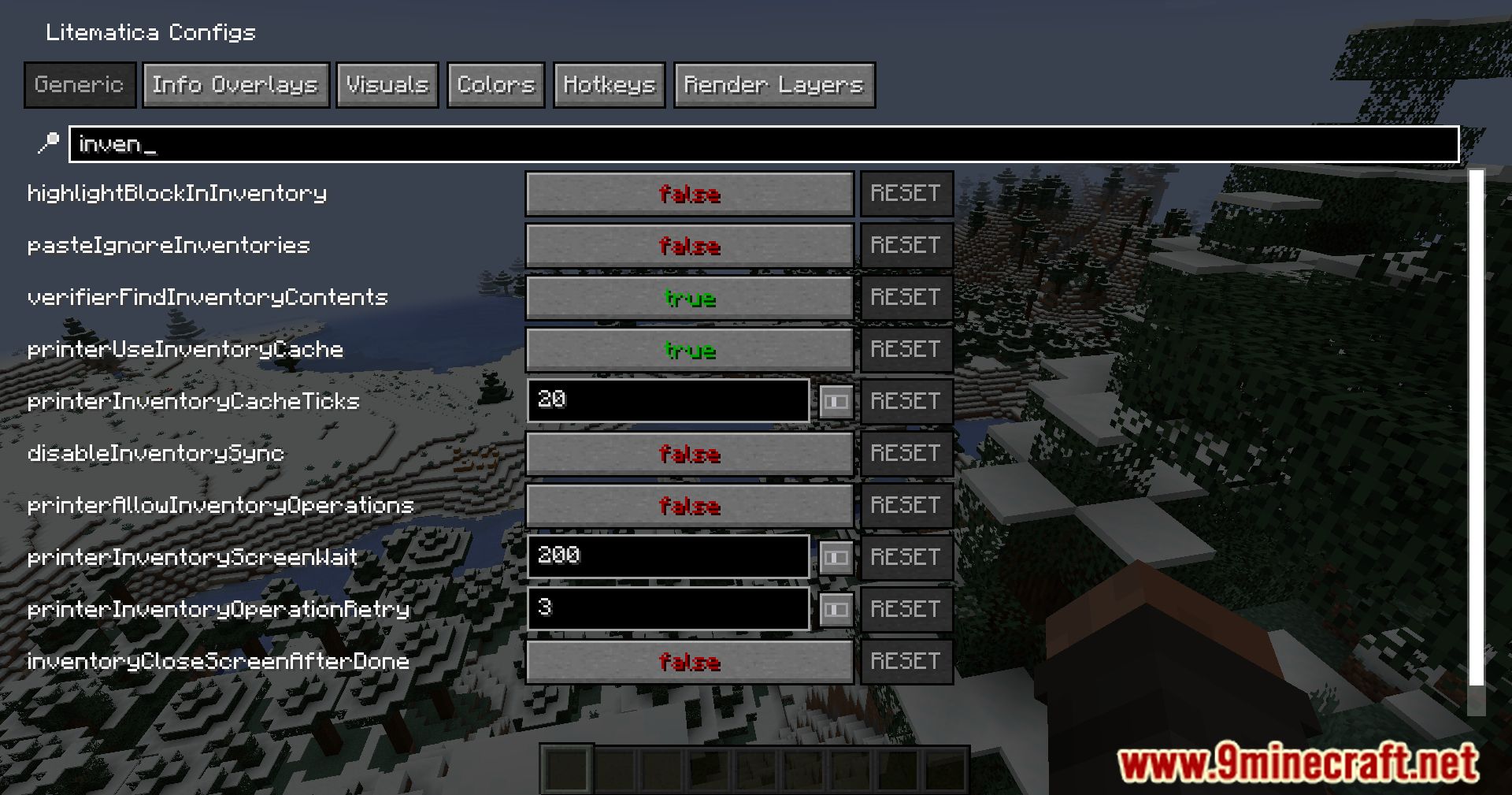
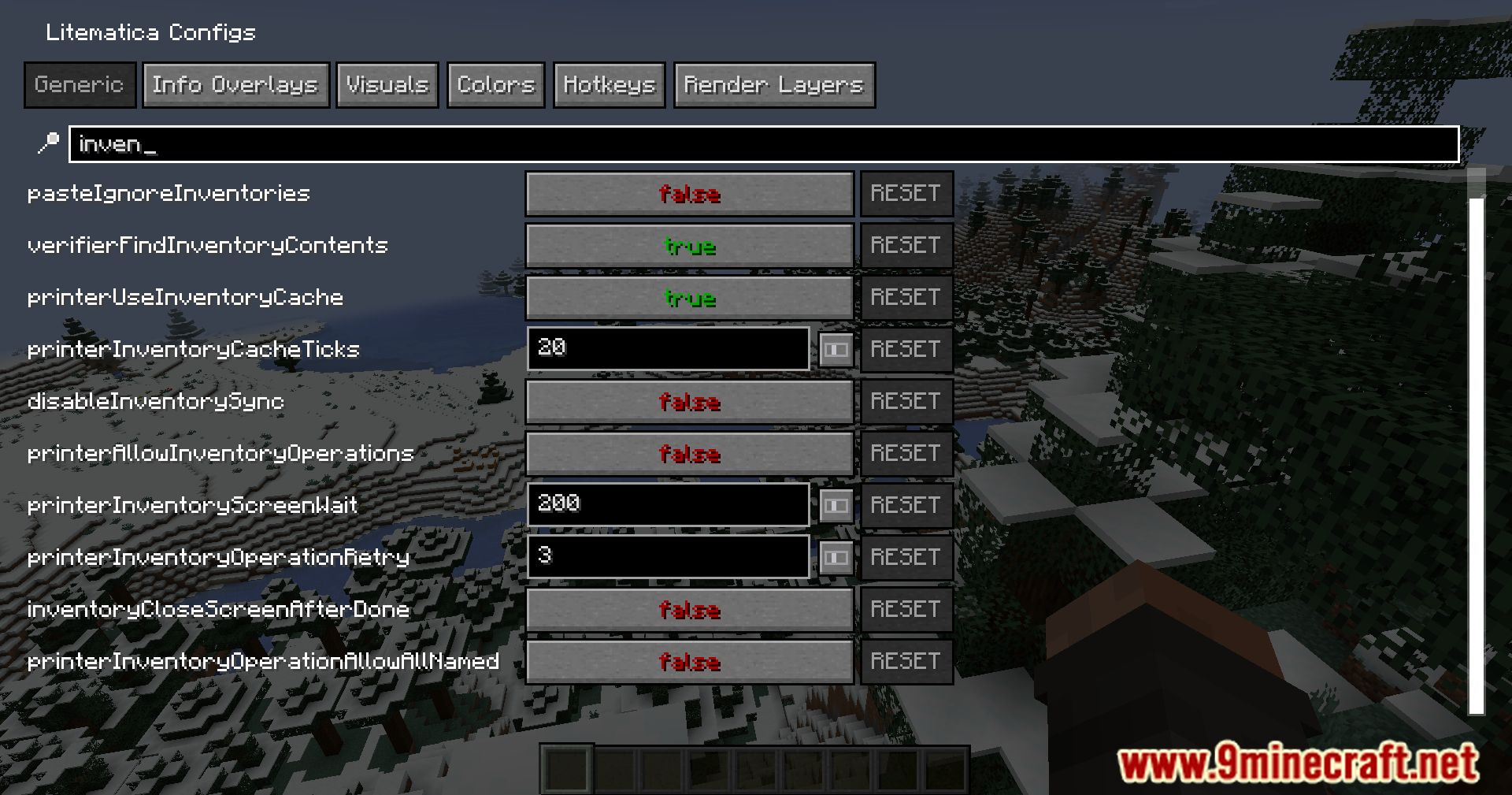
- verifierFindInventoryContents – Marks blocks with inventory contents as “wrong state” even when states are correct, useful for comparator-related builds.
- printerOff – Turns off the printer and uses normal EasyPlace.
- printerUseInventoryCache – Uses an internal inventory cache to reduce desync.
Printer Settings – Inventory and Block Management
- printerAllowInventoryOperations – Enables automated matching and inserting of required stacks into hoppers, droppers, chests and similar blocks (e.g. filter setups).
- inventoryCloseScreenAfterDone – Closes inventory screens when filling is finished or cannot continue.
- printerInventoryScreenWait – Delay in milliseconds after opening an inventory screen to allow server sync.
- printerInventoryOperationRetry – Number of retries for slot-click operations (recommended: 3–20).
- printerInventoryOperationAllowAllNamed – Allows any items with the same stack size and a name to be used as filter items.
- printerBreakBlocks – Breaks all extra or wrong blocks within the schematic (can run during placement, but not recommended).
- printerBedrockBreaking – Automates bedrock breaking; assumes Haste II, Efficiency V and requires redstone torches and pistons.
- printerBedrockBreakingUseSlimeblock – Allows use of slime blocks when searching valid bedrock-breaking positions.
- printerFlippincactus – Uses cactus to flip blocks where applicable.
- printerClearFluids – Clears fluids using cobblestone or sponge by default (lava/water clearing).
- printerClearFluidsUseCobblestone – Uses cobblestone instead of sponge for water clearing.
- printerClearSnowLayer – Uses string to remove snow layers.
Main Placement Features
- printerAccurateBlockPlacement – Uses the AccurateBlockPlacement protocol via Carpet Extra when available.
- printerFakeRotation – Uses fake rotations to ensure correct facing for directional blocks.
- printerFakeRotationTicks – Number of ticks (1 tick = 50 ms) to wait after sending rotation packets.
- printerFakeRotationLimitPerTicks – Limits the number of fake rotations per tick when rotation wait ticks are set to 0.
- disableSingleplayerPlacementHandling – Disables internal singleplayer placement direction adjustments based on fake rotation (recommended: false).
Debug Options
- ShowDebugMessages – Prints debug messages when placements fail, are skipped or otherwise adjusted.
- ShowDebugExtraMessages – Shows additional information about current block placements and fake rotations.
Limiting and Performance
- easyPlaceModePrinterRangeX / Y / Z – Limits placement to a region expanded from the starting raytrace position.
- easyPlaceModePrinterMaxBlocks – Maximum blocks or interactions the printer can perform per tick.
- easyPlaceModeDelay – Delay between actions (recommended: greater than 0.05, i.e. 50 ms, for state sync).
- easyPlaceModeHotbarOnly – Restricts usage to hotbar slots for fewer packet changes.
- printerSleepStackEmptied – Pauses printing when the current item stack is emptied, preventing desync and some anticheats.
- easyPlaceModePrinterMaxItemChanges – Limits item-switch actions per cycle (recommended: 2).
- printerBreakIgnoresExtra – Skips breaking blocks marked as “extra”; applies to both general breaking and bedrock-breaking routines.
Redstone-Specific Options
- printerUsePumpkinpieForComposter – Uses pumpkin pie to match specific composter levels.
- printerSmartRedstoneAvoid – Follows observer and other redstone update order to avoid unintended updates.
- printerObserverAvoidAll – Avoids placing observers facing blocks in wrong states; may place walls or similar support blocks instead where needed.
- printerAvoidCheckOnlyPistons – Ignores dispenser quasi-connectivity checks.
- printerSuppressPushLimitPistons – Avoids placing pistons that would be directly powered but not extended (push limit related).
- printerUseIceForWater – Places ice where water sources should be, to be later melted.
- printerCheckWaterFirstForWaterlogged – Delays waterlogged block placement until water is present.
- printerPlaceMinecart – Places minecarts for powered detector rails when safe; avoids placing them if TNT would be triggered.
Deprecated
- CarpetExtraFixedVersion – Deprecated. Use Fake Rotations until a more general protocol is implemented.
Screenshots:
Crafting Recipes:
Recommend that you should install Just Enough Items (for mods using Forge) or Roughly Enough Items (for mods using Fabric) to view the full recipes included in this mod.
Requires:
How to install:
Click the following link to view details: How to Install Mods for Minecraft Java Edition on PC: A Beginner Guide
Litematica Printer Easyplace Extension Mod (1.21.1, 1.20.1) Download Links
For Minecraft 1.16.5
Fabric version: Download from Server 1 – Download from Server 2
For Minecraft 1.17.1
Fabric version: Download from Server 1 – Download from Server 2
For Minecraft 1.18.2, 1.18.1
Fabric version: Download from Server 1 – Download from Server 2
For Minecraft 1.19.1, 1.19
Fabric version: Download from Server 1 – Download from Server 2
For Minecraft 1.19.2
Fabric version: Download from Server 1 – Download from Server 2
For Minecraft 1.19.3
Fabric version: Download from Server 1 – Download from Server 2
For Minecraft 1.19.4
Fabric version: Download from Server 1 – Download from Server 2
For Minecraft 1.20.1, 1.20
Fabric version: Download from Server 1 – Download from Server 2
For Minecraft 1.20.2
Fabric version: Download from Server 1 – Download from Server 2
For Minecraft 1.20.3
Fabric version: Download from Server 1 – Download from Server 2
For Minecraft 1.20.4
Fabric version: Download from Server 1 – Download from Server 2
For Minecraft 1.20.6
Fabric version: Download from Server 1 – Download from Server 2
For Minecraft 1.21
Fabric version: Download from Server 1 – Download from Server 2
For Minecraft 1.21.1
Fabric version: Download from Server 1 – Download from Server 2