Save Mod (1.21.10, 1.20.1) – Save And Load Your Worlds With Ease

 0
0  4 weeks ago
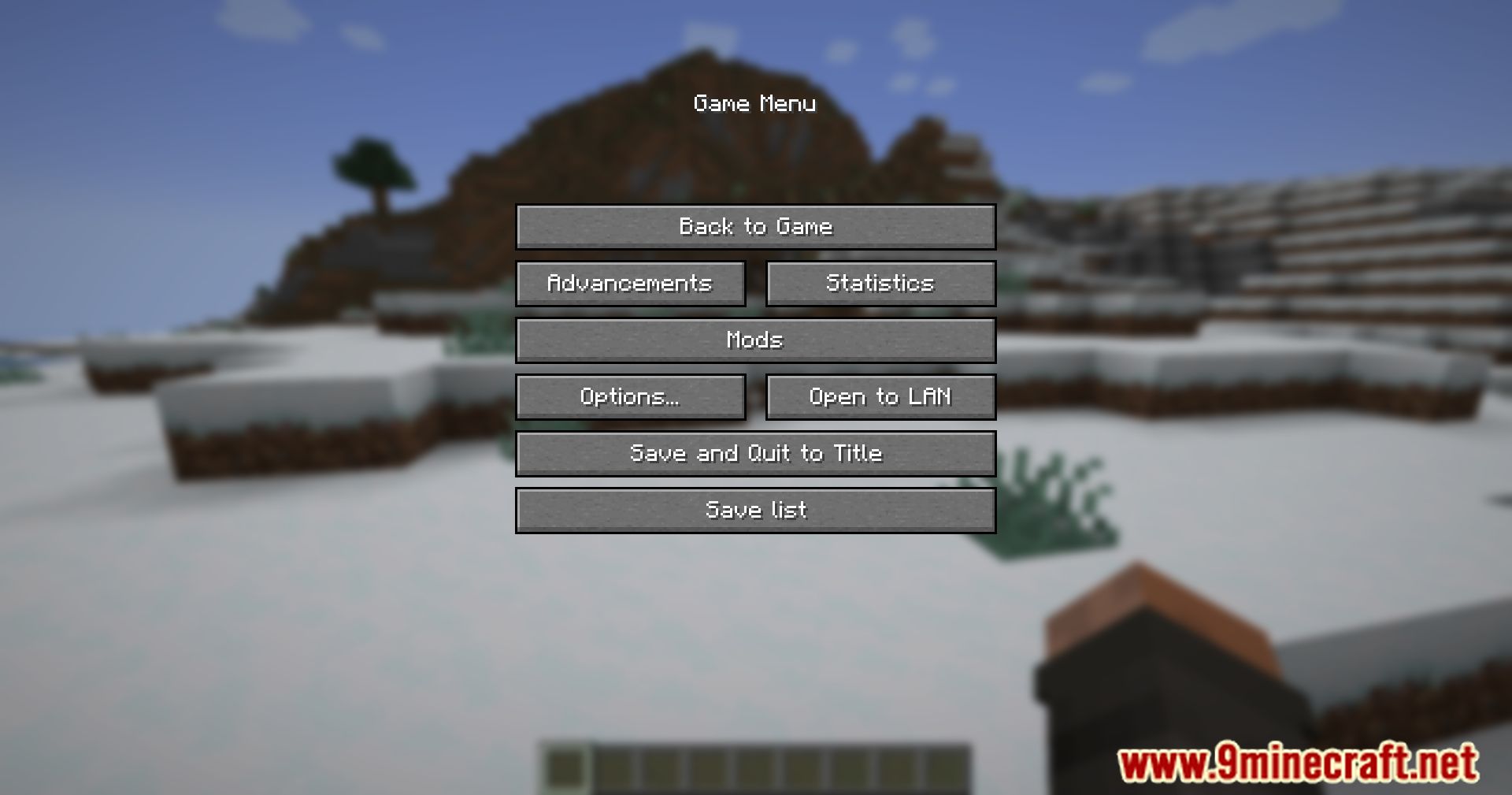
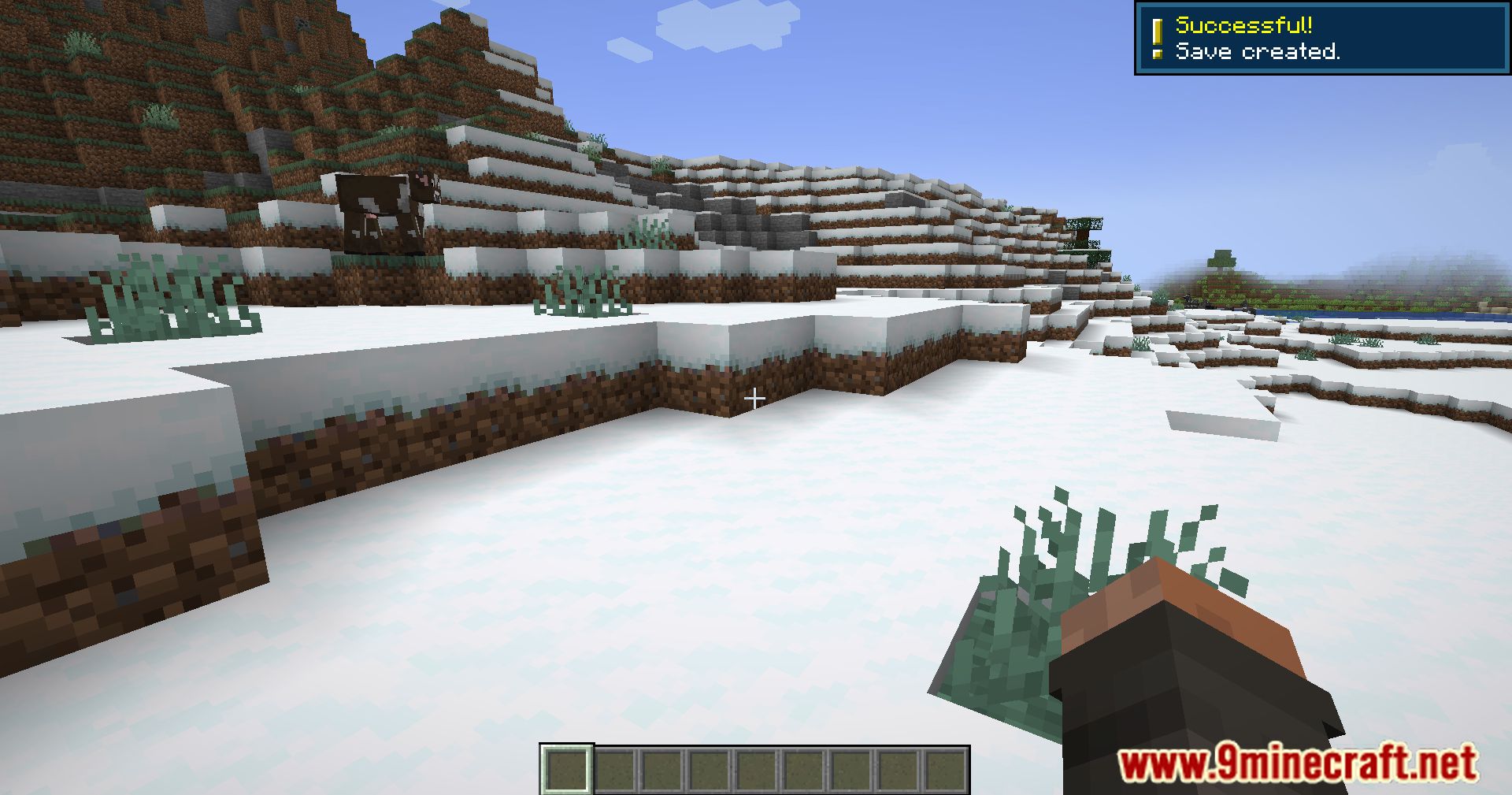
Save Mod (1.21.10, 1.20.1) is a game-changer for players who want more control over their game worlds. This mod introduces a save and load system similar to what you’d find in other games, making it easier to manage your progress and experiment with different scenarios.
Features:
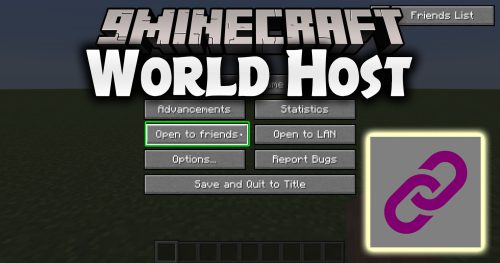
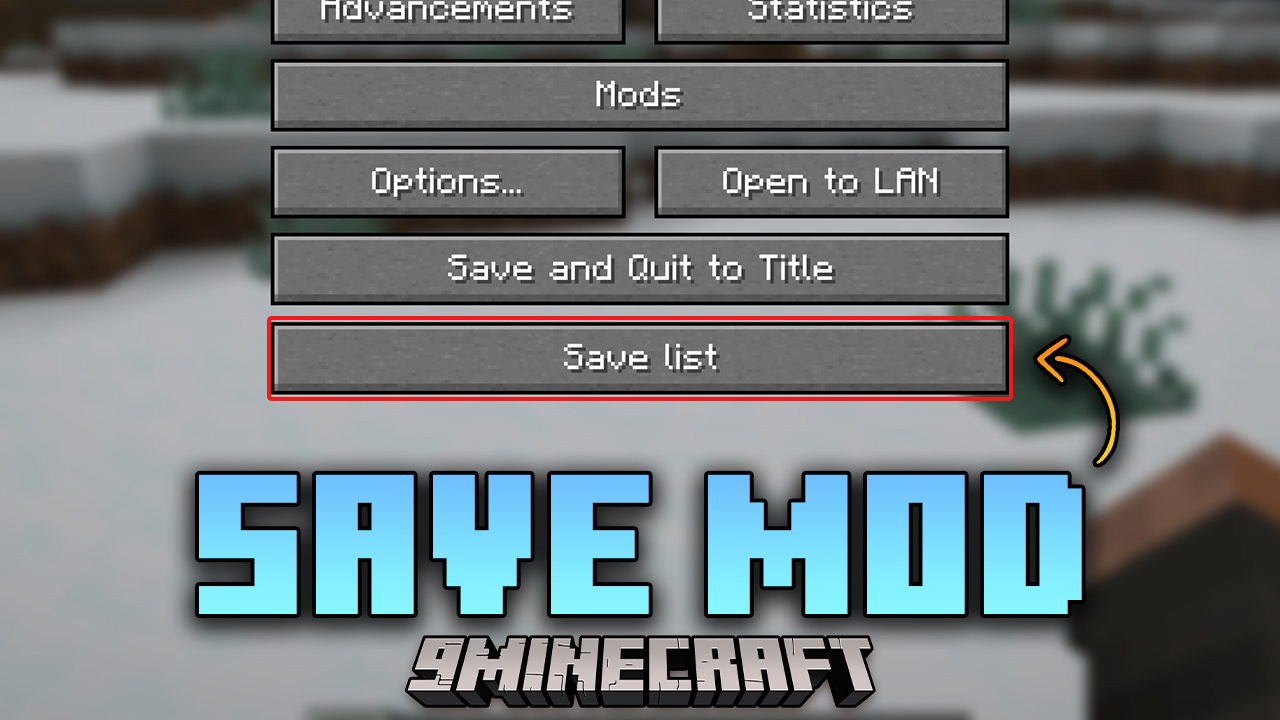
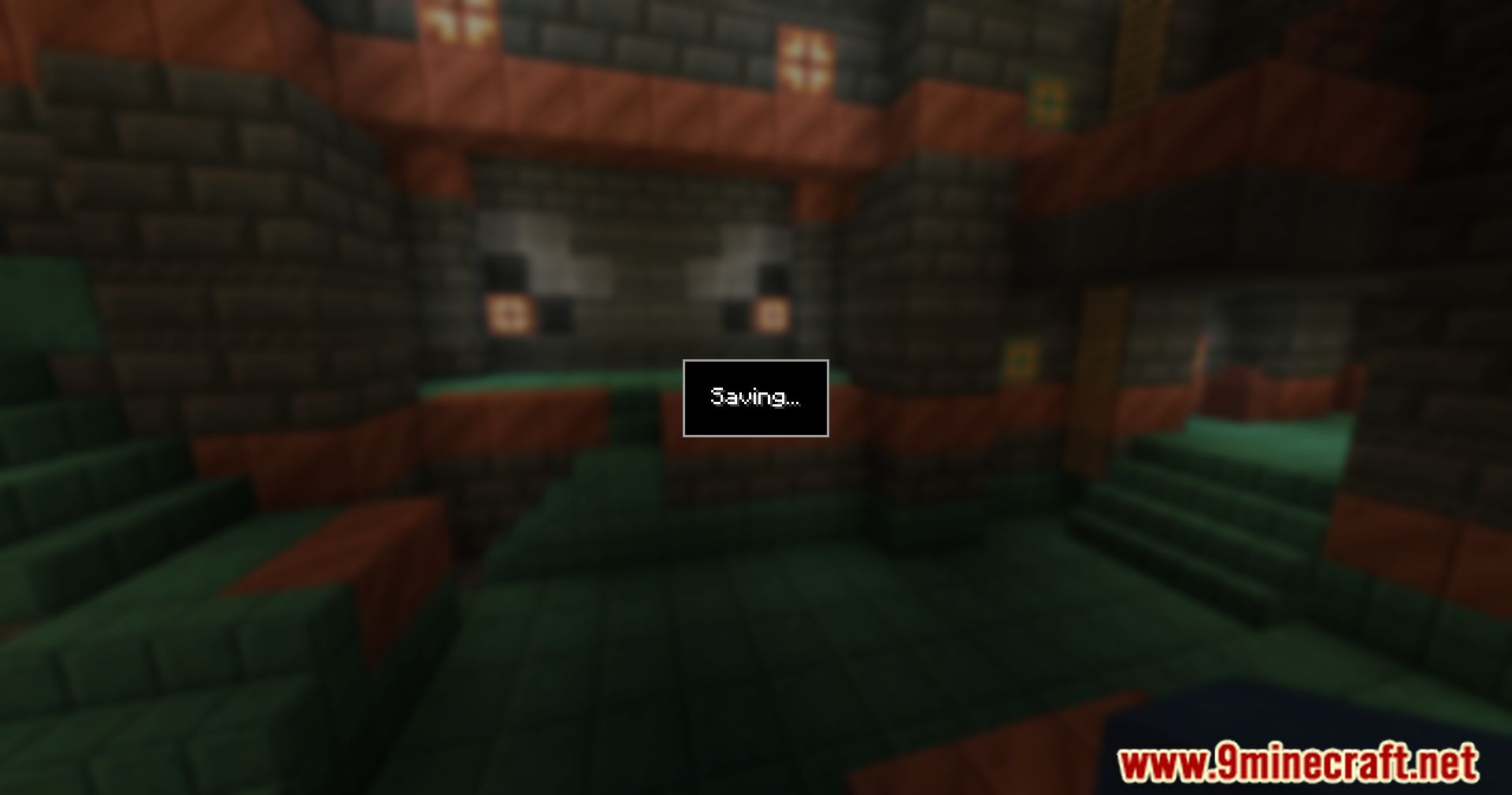
- Saving your world (from the pause menu)
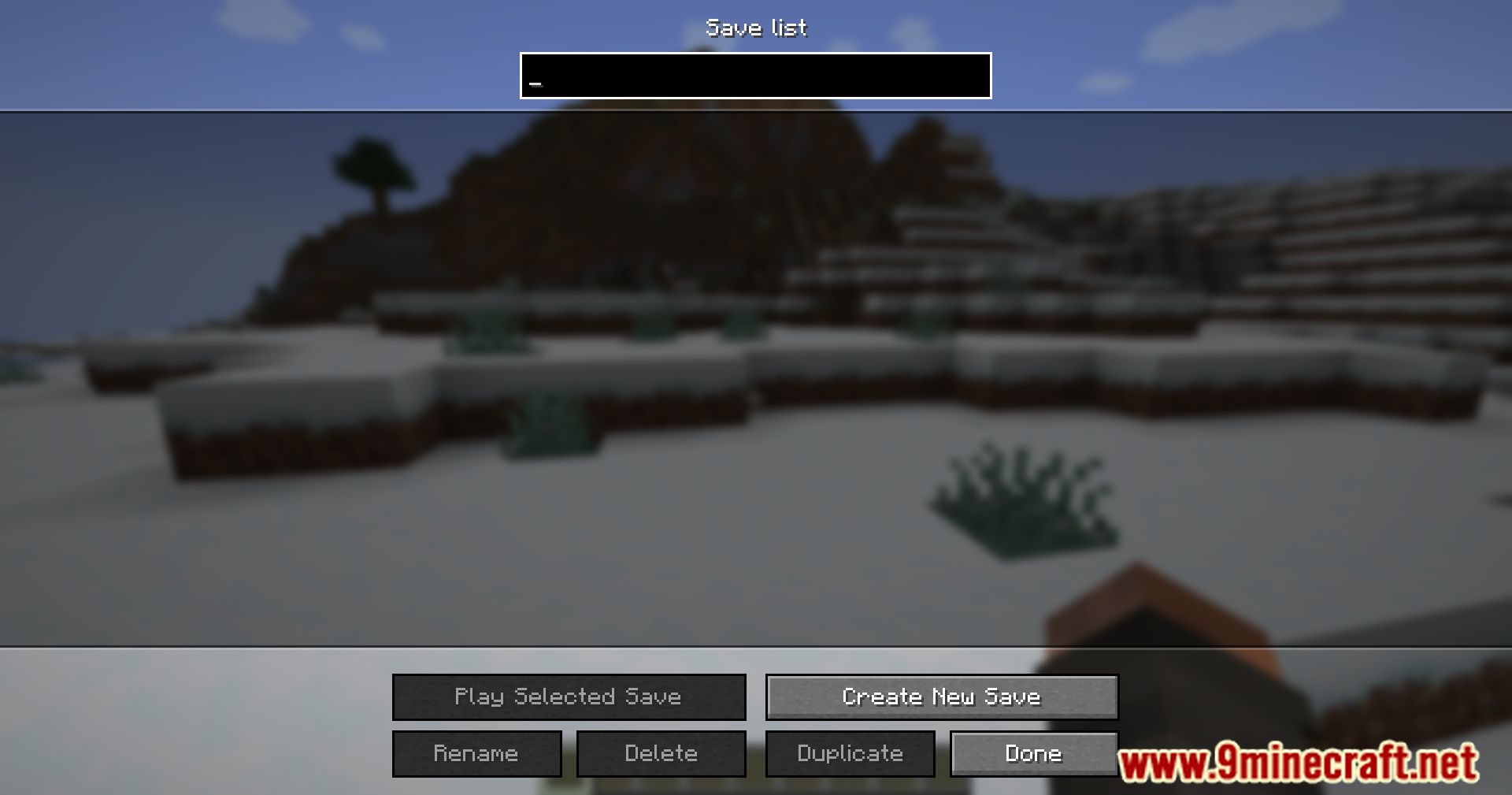
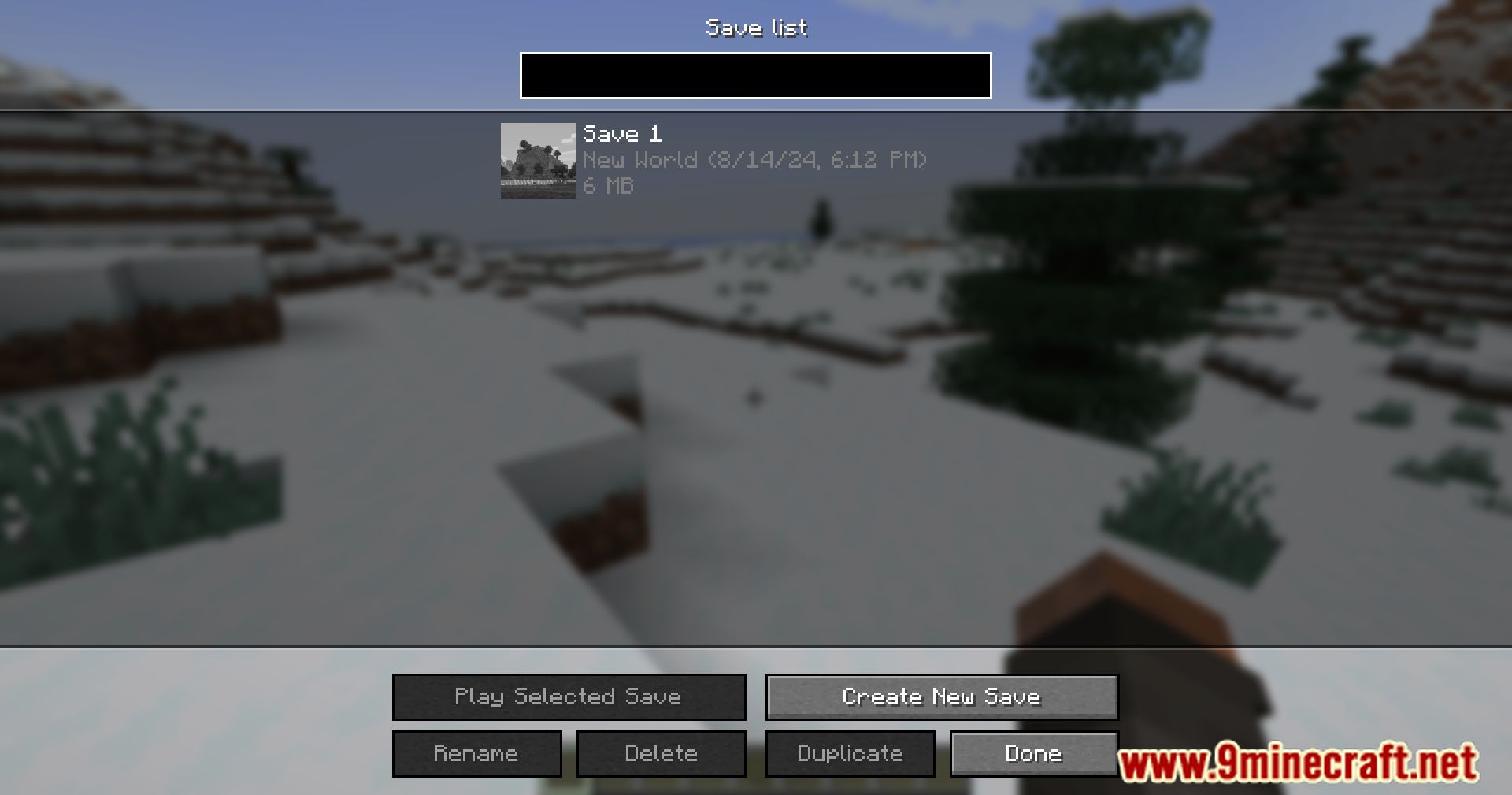
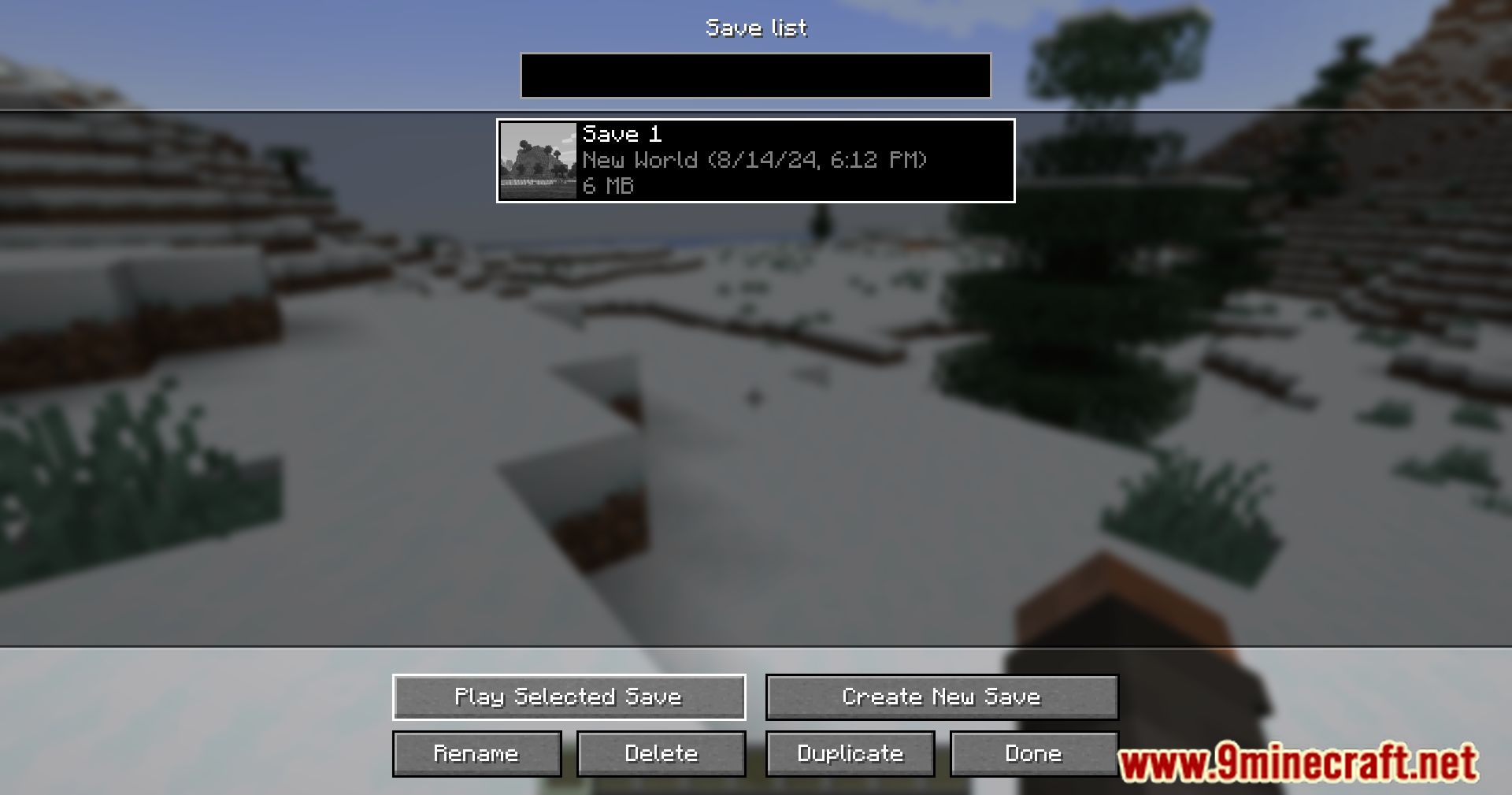
- Listing your saves
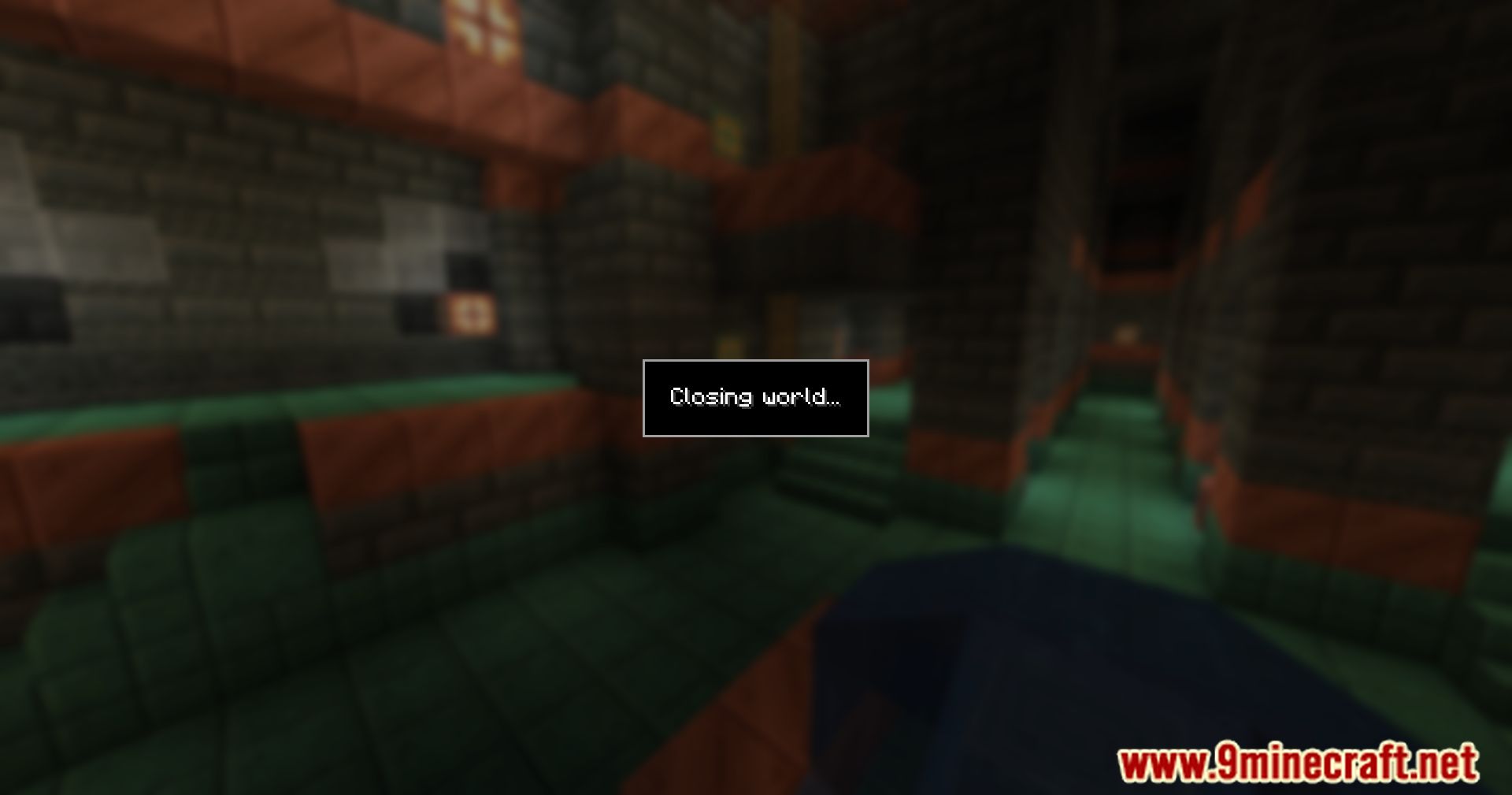
- Loading a save
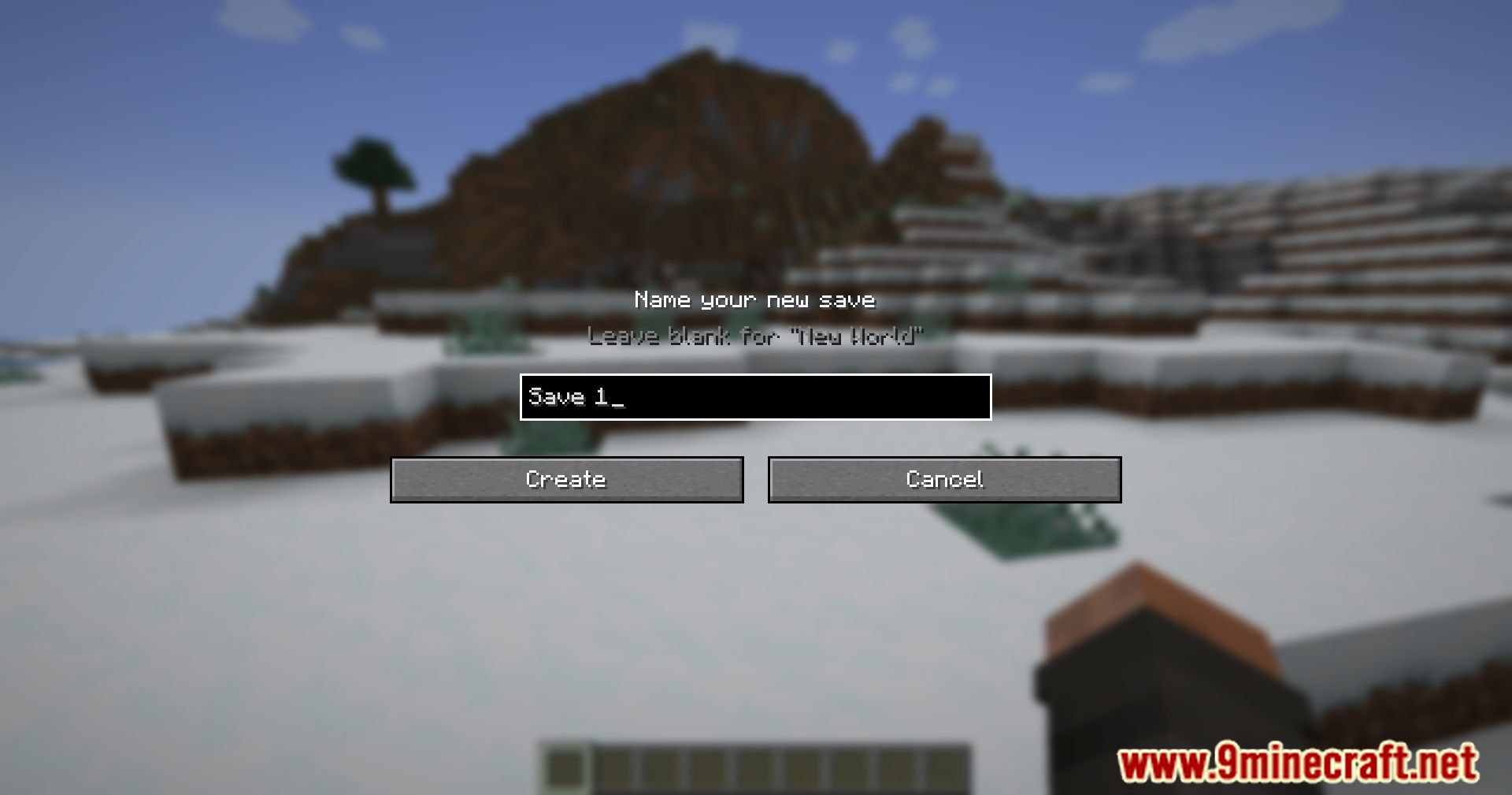
- Naming/renaming your saves
- Duplicating your saves
- Deleting your saves
- A keybind to quickly access the saves list
- Another to quickly access the save function
- A search bar to quickly find a save
- Keyboard navigation
- A config to turn off/on some buttons and the option to disable compression
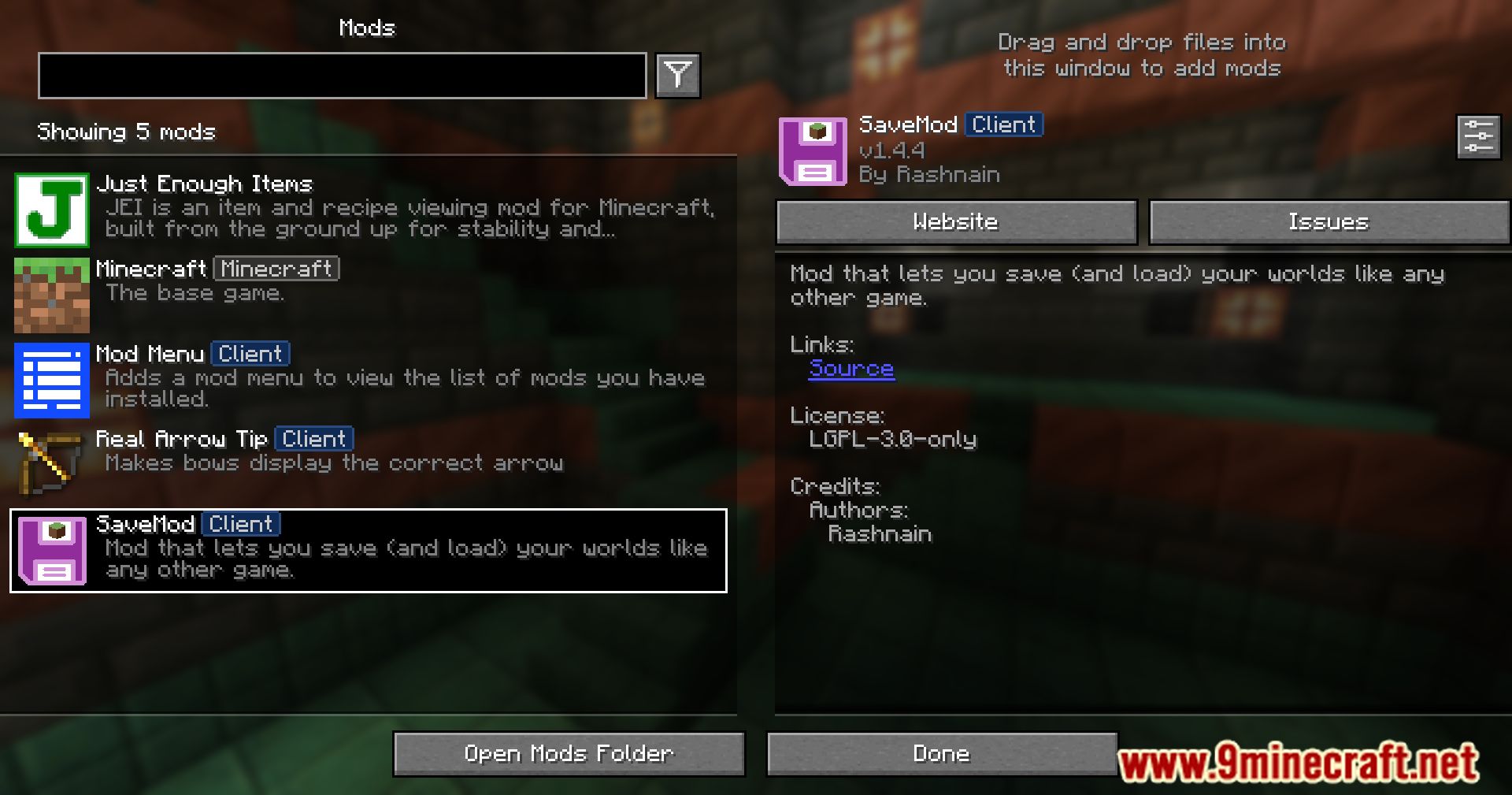
- A config screen (need Mod Menu)
Screenshots:

Crafting Recipes:
Recommend that you should install Just Enough Items (for mods using Forge) or Roughly Enough Items (for mods using Fabric) to view the full recipes included in this mod.
Requires:
How to install:
Click the following link to view details: How to Install Mods for Minecraft Java Edition on PC: A Beginner Guide
Save Mod (1.21.10, 1.20.1) Download Links
For Minecraft 1.19.4
Fabric version: Download from Server 1 – Download from Server 2
For Minecraft 1.20.1, 1.20
Fabric version: Download from Server 1 – Download from Server 2
For Minecraft 1.20.2
Fabric version: Download from Server 1 – Download from Server 2
For Minecraft 1.20.4
Fabric version: Download from Server 1 – Download from Server 2
For Minecraft 1.21.1, 1.21
Fabric version: Download from Server 1 – Download from Server 2
For Minecraft 1.21.4, 1.21.3
Fabric version: Download from Server 1 – Download from Server 2
For Minecraft 1.21.5
Fabric version: Download from Server 1 – Download from Server 2
For Minecraft 1.21.8, 1.21.7, 1.21.6
Fabric version: Download from Server 1 – Download from Server 2
For Minecraft 1.21.10, 1.21.9
Fabric version: Download from Server 1 – Download from Server 2