
Terra Curio Mod (1.21.1, 1.20.1) – Defy Gravity and Walk Across Oceans
 6,601
 0


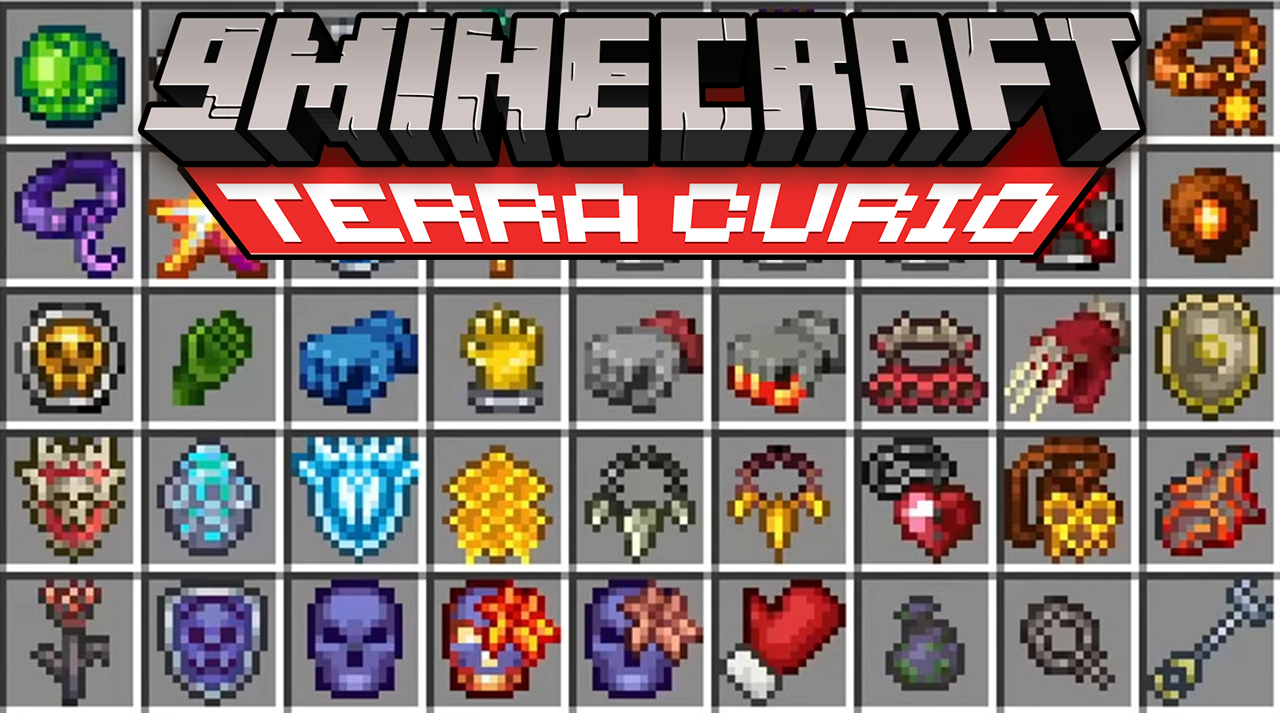
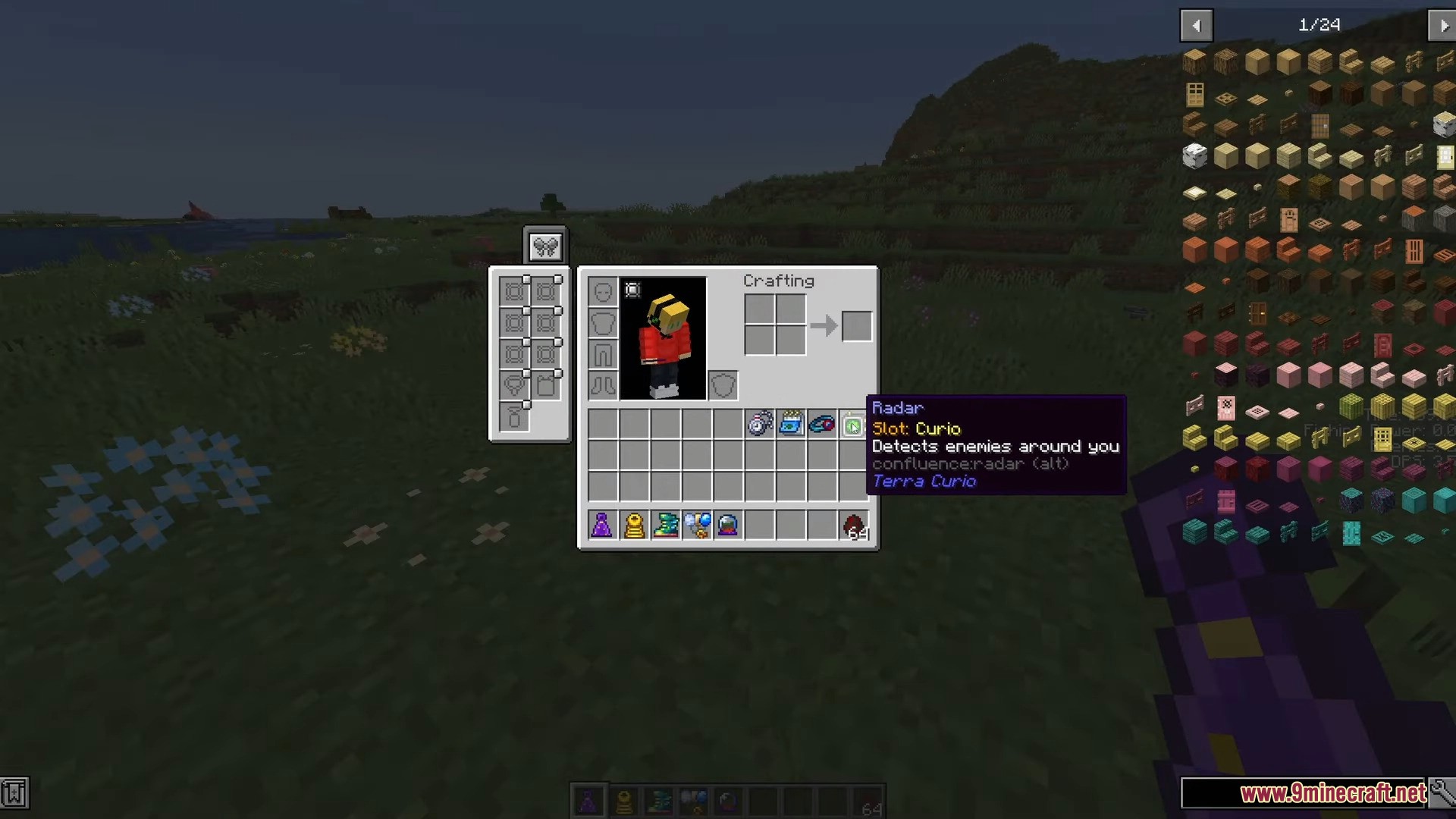
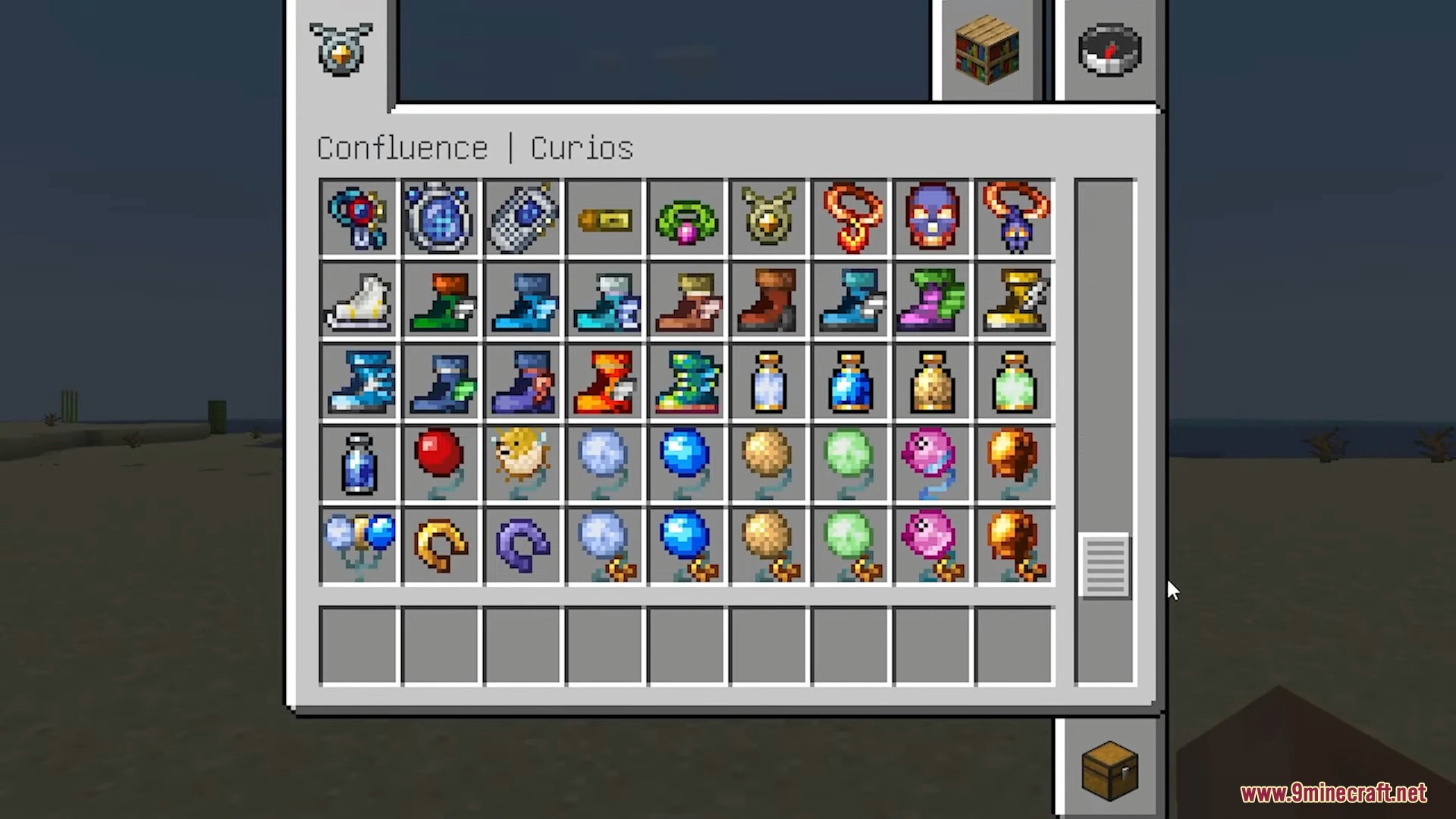
Terra Curio Mod brings over 150 equipable accessories from Terraria into Minecraft. It adds the accessory system from Confluence of Afterlife and gives you special slots to wear gear for stat boosts and unique abilities. These items let you fly for a short time, walk on fluids, climb walls, or flip gravity upside down. Some info accessories, such as the PDA, even work straight from your regular inventory.
Features:
- 150+ Terraria Accessories: Adds over 150 equipable items from Terraria, bringing over the accessory system from Confluence of Afterlife.
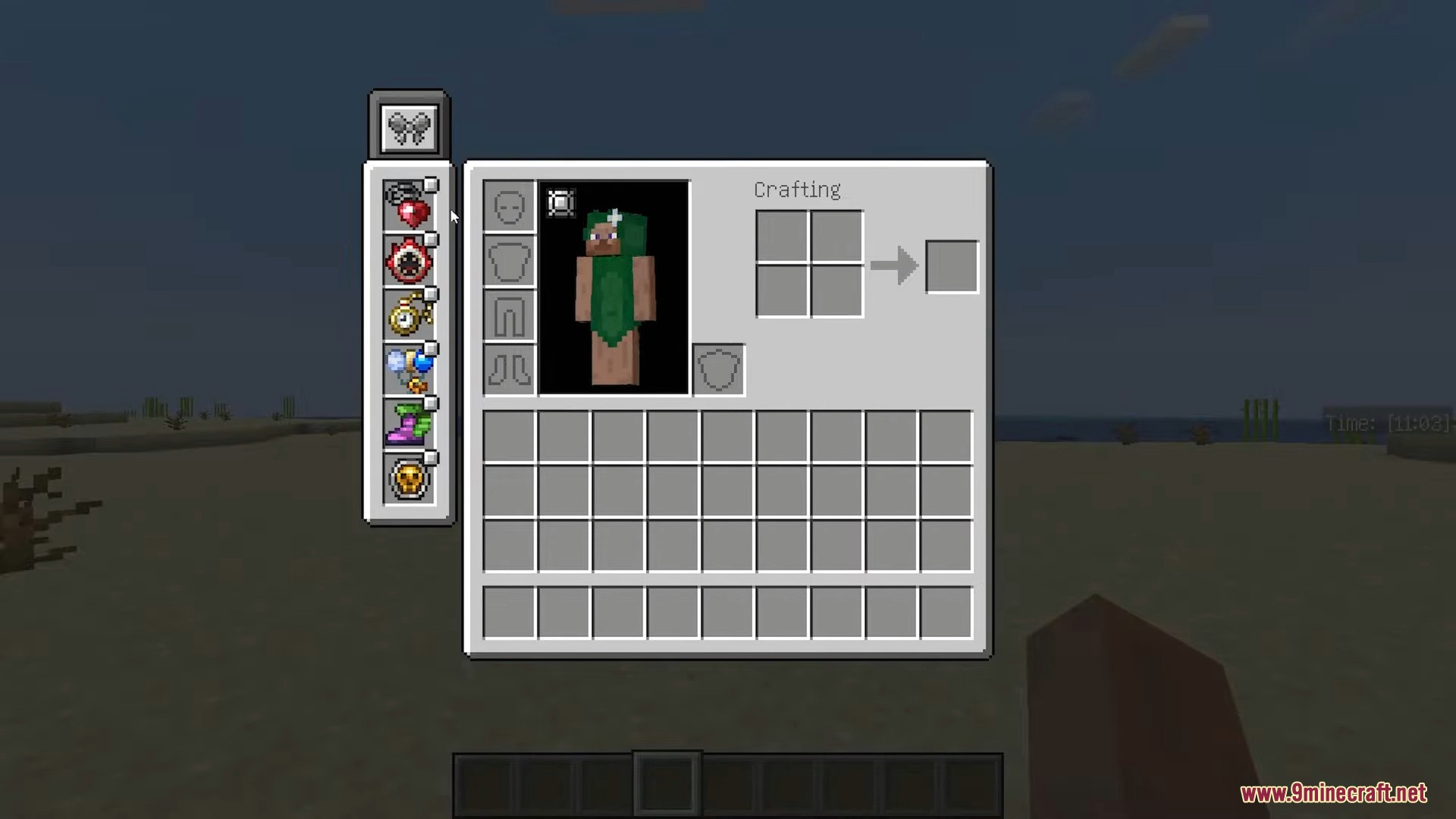
- Custom Accessory Slots: Gives you dedicated equipment slots where worn accessories grant stat boosts and active or passive abilities, such as limited flight.
- Inventory-Only Info Items: Lets informational accessories work just by staying inside your regular inventory without using an accessory slot.
Notable Accessories:
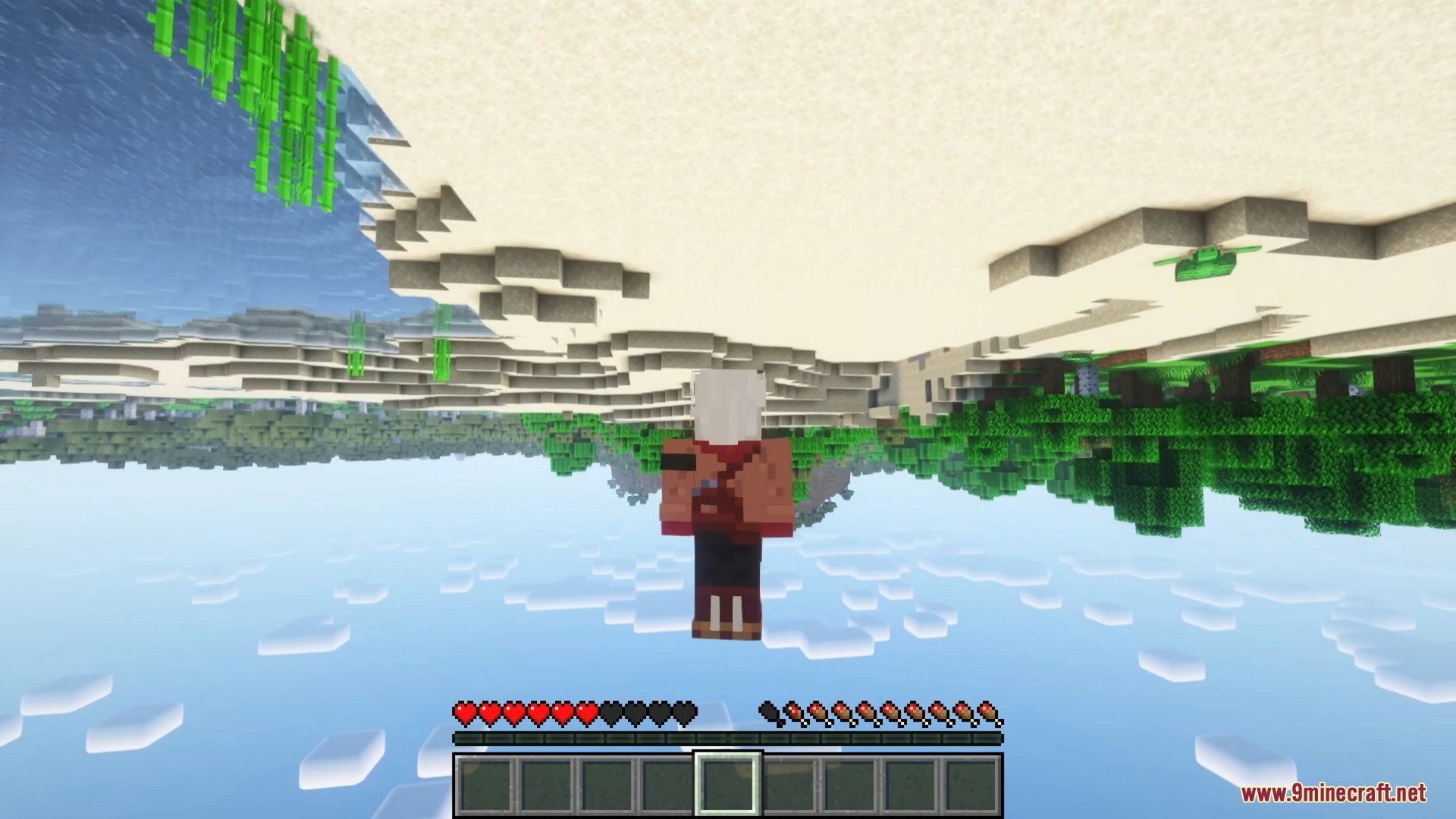
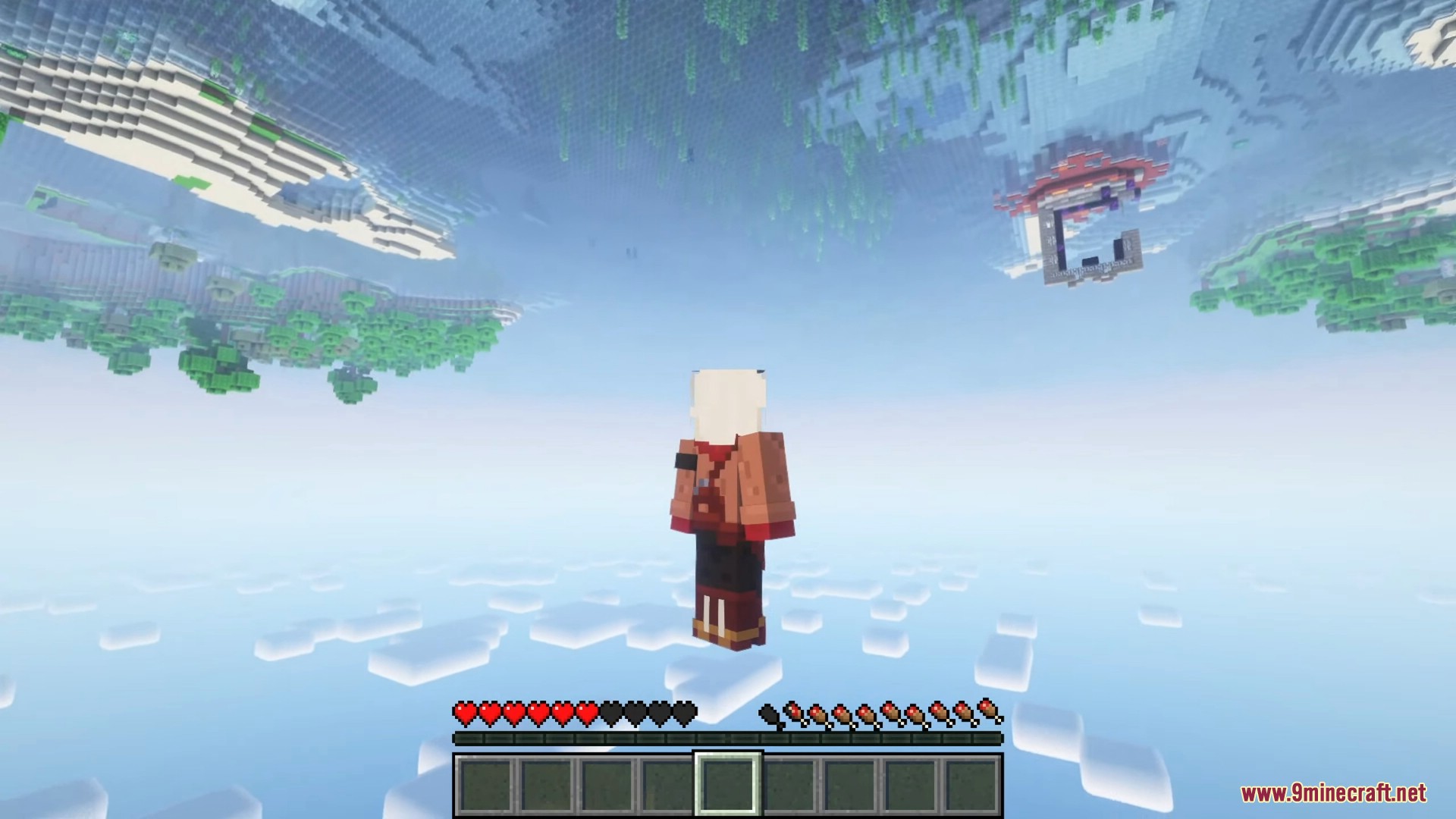
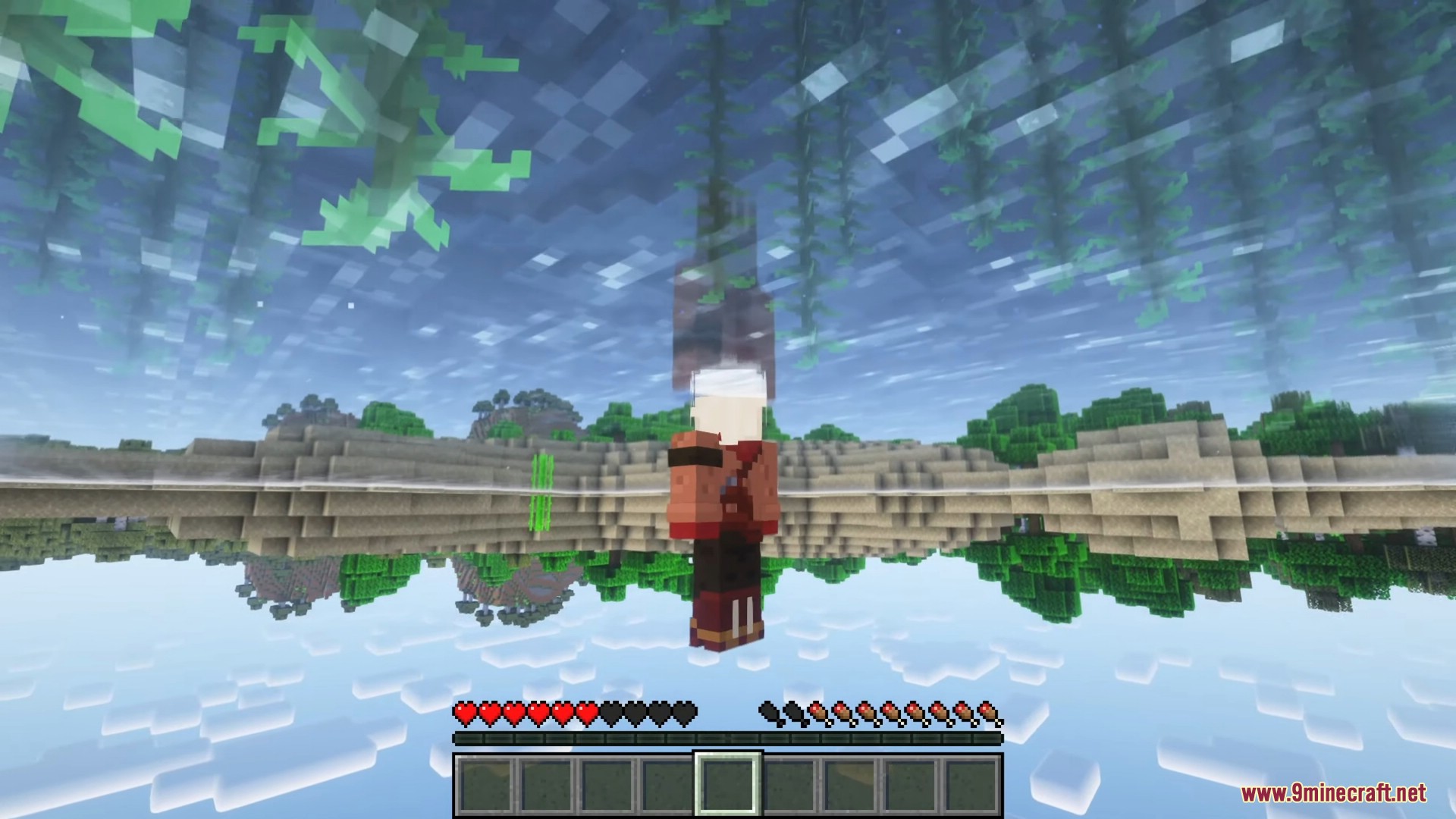
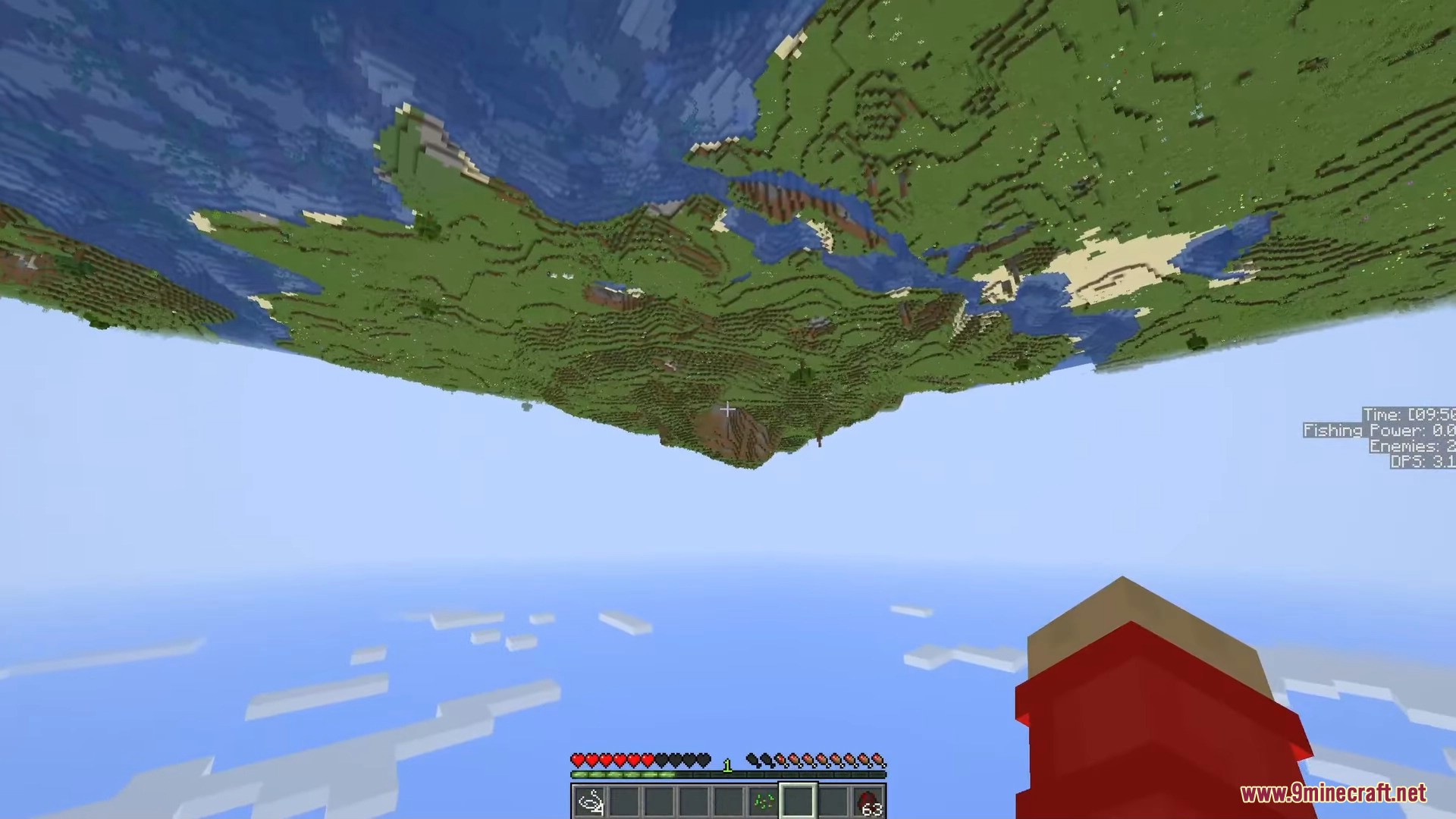
- Gravity Globe: Flips your gravity when you press the jump key so you fall upward instead of downward, and switches back to normal on another press. This effect only applies to the player wearing the item.
- Moon Charm: Activates a werewolf form at night while equipped.
- Neptune’s Shell: Activates a merman form when you enter water while equipped.
- PDA: Provides useful information once you have it in your inventory.
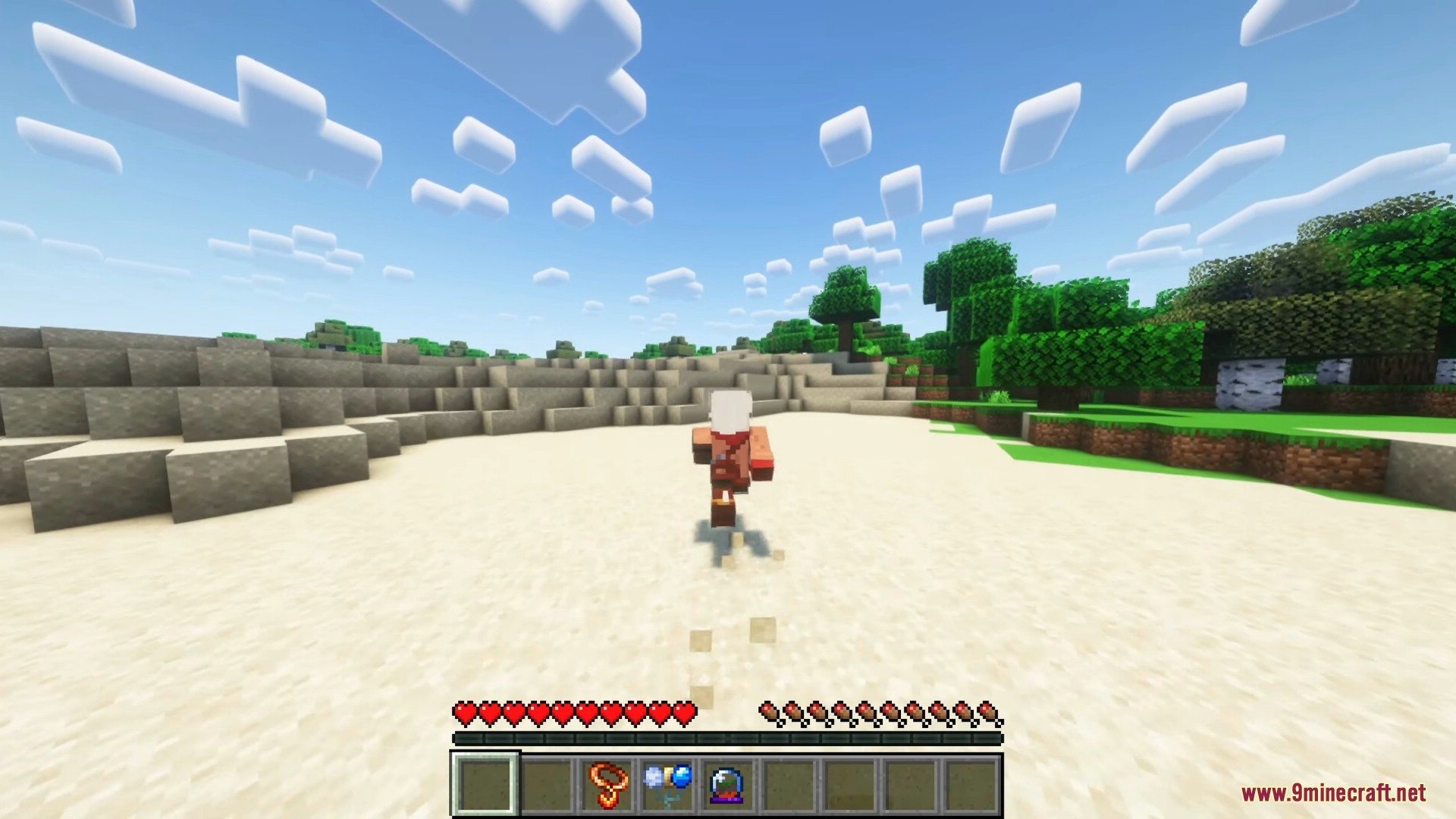
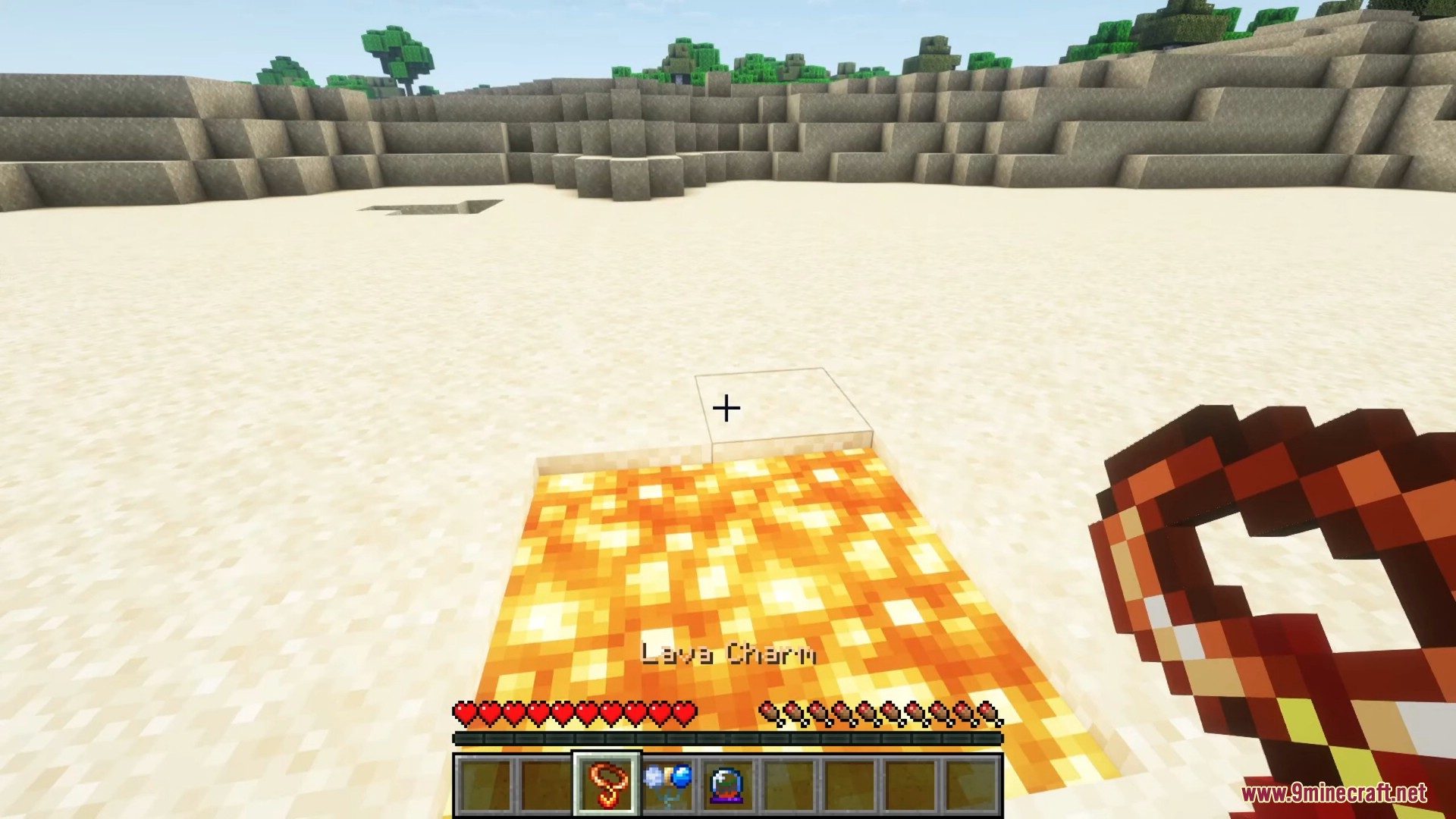
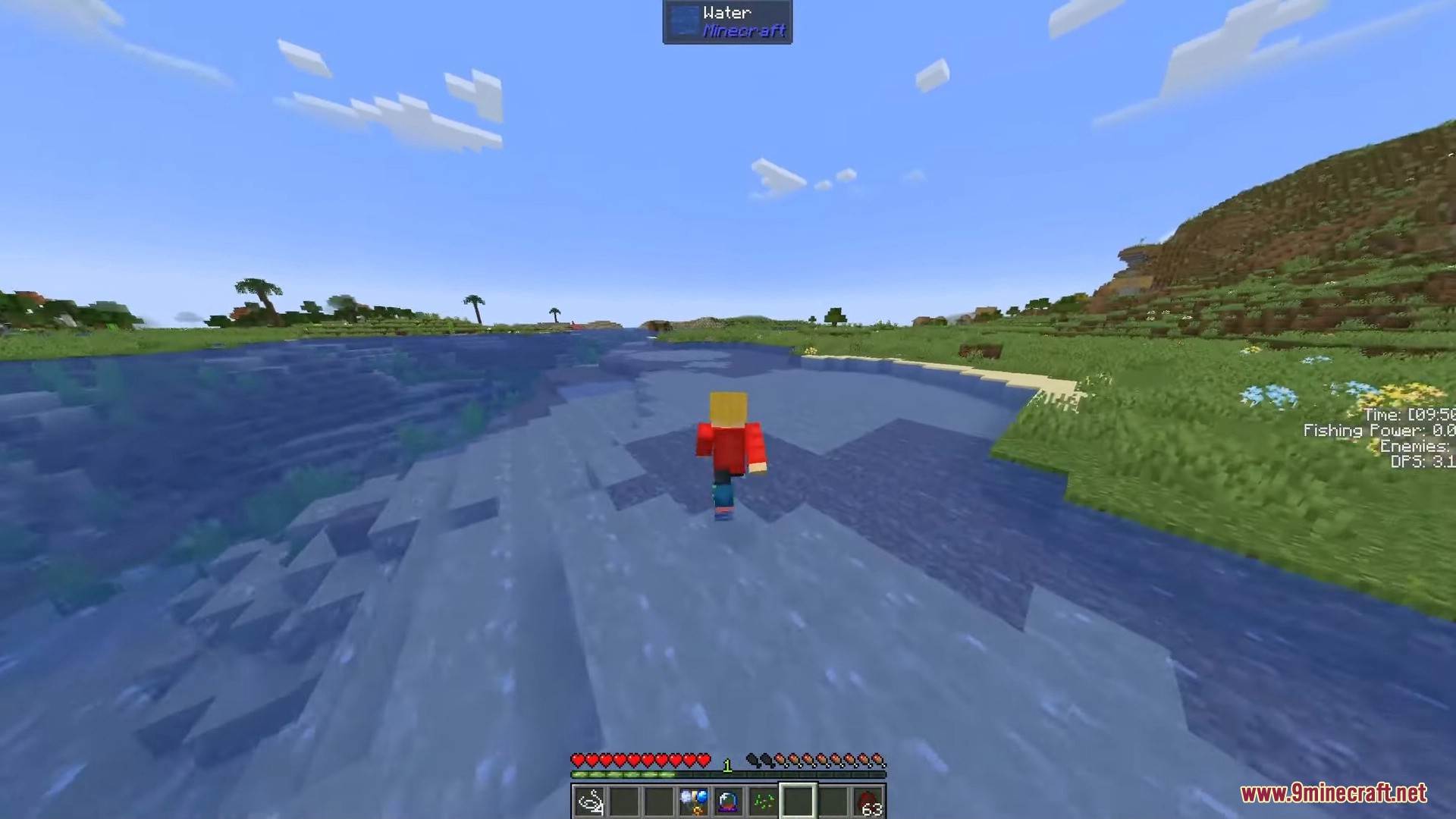
- Terraspark Boots: Lets you walk across fluids.
- Tiger Climbing Gear: Lets you climb walls by holding the W key while equipped.
- Step Stool: Activates when equipped by pressing the Up Arrow key.
- Scopes: Lets you scope in while holding ranged weapons and crouching.
- Flower Boots: Triggers a flower effect as you walk around while wearing them.
How to Use:
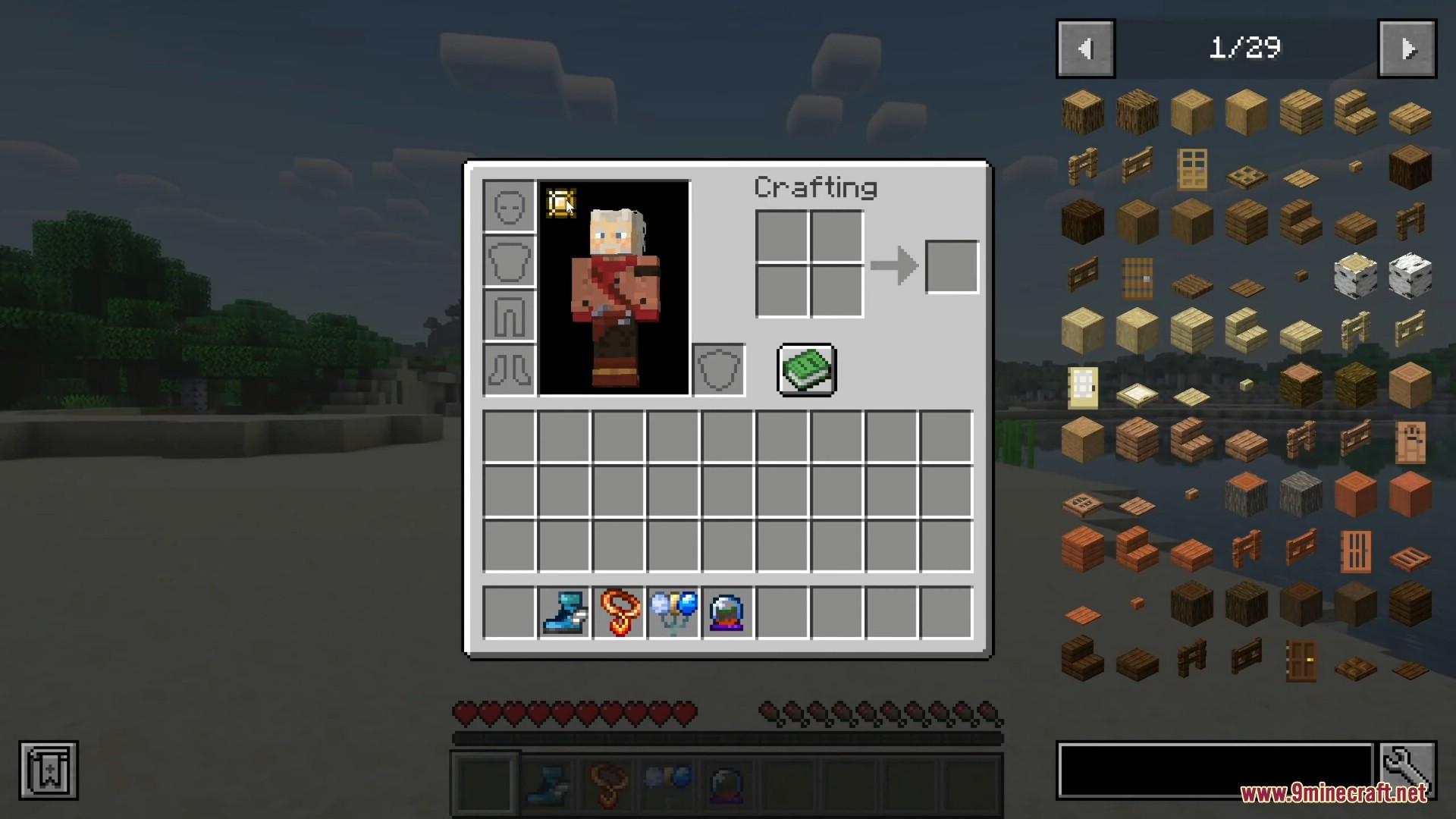
- Open your character inventory to view the custom accessory slots.
- Place your accessories into those slots to activate their stat boosts and special abilities.
- Keep informational accessories like the PDA in your regular inventory to get their data without equipping them.
- Equip the Gravity Globe and press the Jump key to flip your gravity so you fall upward; press it again to switch gravity back to normal.
- Equip the Tiger Climbing Gear and hold the W key to climb walls.
- Equip the Step Stool and press the Up Arrow key to use it.
- Equip any scope, hold a ranged weapon, and press the Crouch key to scope in.
- Wear the Moon Charm at night, Neptune’s Shell in water, Terraspark Boots on fluids, or Flower Boots while walking to trigger their effects.
Screenshots:
How to Install:
New to Minecraft? Follow our step-by-step guide to install Mods on your PC.View Guide
Requirements:

Terra Curio Mod Download Links
For Minecraft 1.21.1, 1.21
NeoForge version: Download from Server 1 – Download from Server 2
For Minecraft 1.20.1, 1.20
Forge version: Download from Server 1 – Download from Server 2
Click to rate this post!
[Total: 5 Average: 4.8]
You May Also Like
Picked for this page
 Artifacts Mod (26.1.2, 1.20.1) – Various Powerful Items
 Forbidden and Arcanus Mod (26.1.2, 1.20.1) – Magic Themed Stuffs
 Terraqueous Mod (1.21.1, 1.20.1) – From Fruit Orchards to Sky Castles
 Baubley Heart Canisters Mod (26.3, 1.20.1) – Amulets to Enhance Character’s Abilities
 Draconic Evolution Mod (1.21.1, 1.20.1) – Wield Power Beyond Diamond
 Mystical Agriculture Mod (26.1.2, 1.20.1) – Grow Diamonds From a Seed
 Everlasting Abilities Mod (26.3, 1.20.1) – Discover Abilities That Stick
 Silent’s Gems Mod (26.1.2, 1.20.1) – Tools and Colorful Building Blocks
 ChatShot Mod (26.3, 1.20.1) – Capture And Share Chat Messages
 Pickup Notifications Mod (26.3, 1.20.1) – Pickup Alerts For Items
 LUMINOUS TAG Mod (1.21.1, 1.20.1) – The Crafting Key for All Luminous Mods
Most viewed in Mods over the last 7 days
 Ala Industrial Mod (26.3) – Run Electric Power Grids and Automated Factories
 PleasureCraft Mod (26.3, 1.21.1) – Jenny Mod Remake for Fabric
 Jennycraft Mod (26.3, 1.20.1) – Virtual Girlfriend in Minecraft
 Fapcraft Mod (26.3, 1.12.2) – Comprehensive and Detailed Content
 Jenny Mod (Fapcraft) Official Complete Guide – How to use, Tutorial
 BangCraft Mod (1.20.1) – Jenny, Ellie and Elliot
 Fabric Loader (26.3, 1.20.1) – Fabric Installer for All Minecraft Versions
 The Shooting Star Demo Mod (26.3, 1.20.1) – Vaporize Terrain From Orbit
 Meteor Client Mod (26.3, 1.20.1) – Xray, HUD, Fly
 OptiFine HD (26.3, 1.20.1) – Run Faster, FPS Boost, Shaders Support
 Aristois Client Mod (1.21.4, 1.20.1) – World Class Minecraft Utility
 Prestige Client Mod (1.21.11, 1.21.4) – Powerful Ghost Features for Crystal & Sword PvP
More from Mods
 Decoween Mod (1.21.1, 1.20.1) – Transform Ordinary Survival Bases
 Simply Light 9minecraft Mod (26.3) – Decorate Builds Without Torches
 Alex’s Caves Continued Mod (26.3, 1.20.1) – Conquer Six Massive Underground
 Anvil Uses Mod (26.3, 1.20.1) – Track Item Anvil Usage
 Animal Info Mod (26.3, 1.21.11) – Quick Stats For Your Animals
 Timber Tales Dynamic Tree System Mod (26.3, 1.20.1) – Watch Entire Trees Topple
 Gabou’s Libs Mod (26.3, 1.20.1) – Keep Custom Weather and Survival Mods Stable
 /Sit Mod (26.3, 1.21.1) – Make The Player Sit Down
 Arcane Redstone Dial Mod (26.3, 1.20.1) – Trigger Commands and Shortcuts
 The Graveyard Mod (26.3, 1.20.1) – Cemeteries in Minecraft
 Enhanced Overlay Mod (26.3, 1.21.11) – Remove Screen Clutter
 Flint Mod (1.21.11) – Run DiamondFire Community Addons Without Crashing

This post has no comments yet. Be the first — your comment will appear here.